













• Aramex
  • The Buzzlab
  • Admin Awards
  • Bain & Company
  • Humanz
  • CasperLabs
  • Terrapay
  • Over It
  • Automation Hero
  • Brikl

When Your CRM Needs Grow Beyond Copper

Copper works well for teams that manage customer relationships primarily through Gmail and a few sales pipelines. As teams, products, and processes expand, maintaining consistent data structures, relationships, and workflows can become more challenging.
1
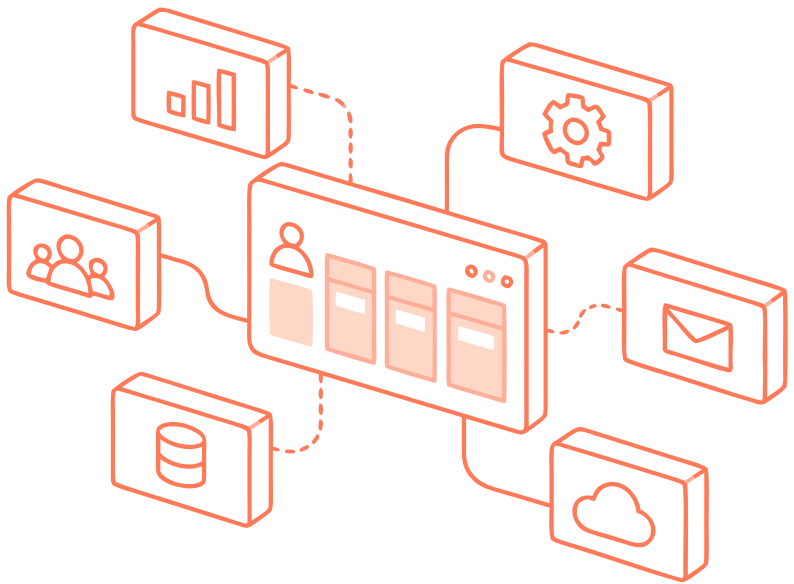
Leads and Contacts Need Clear Separation

Leads and Contacts Need Clear Separation

When lead and contact records are managed separately, teams may struggle to maintain a consistent view of prospect history, interactions, and conversion activity.
2
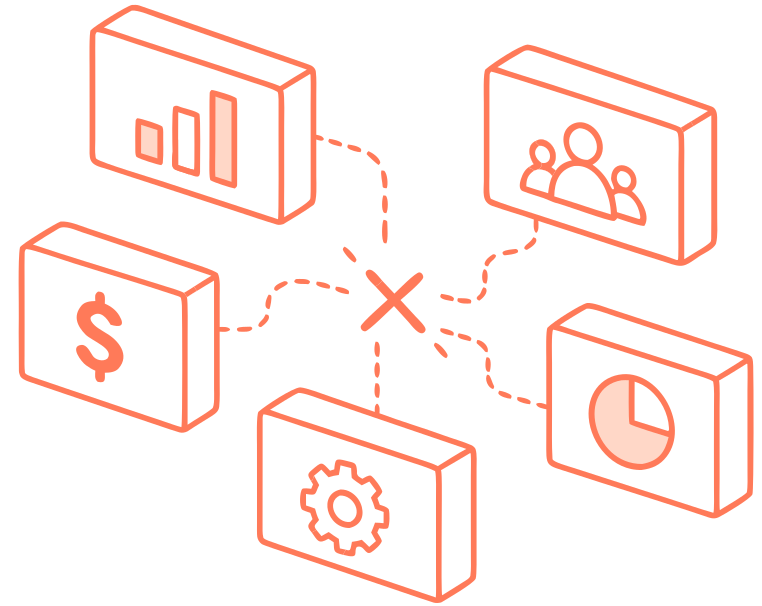
Connected Records Become Harder to Manage

Connected Records Become Harder to Manage

As relationships between people, companies, and opportunities grow, maintaining clear record associations and reporting across connected data can become more complex.
3
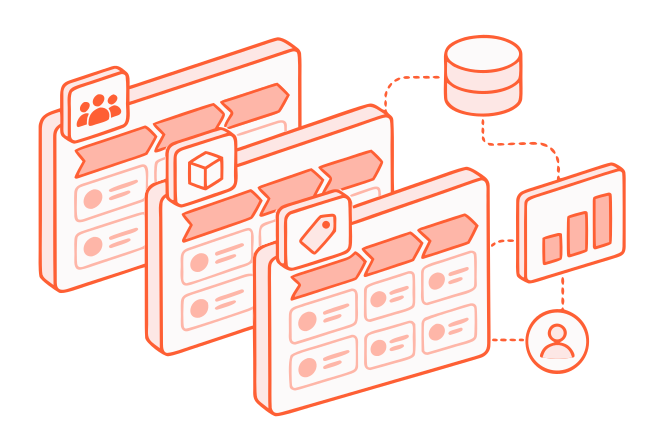
Growing Pipeline Complexity (1)

Growing Pipeline Complexity

Adding pipelines for different teams, products, or sales processes can make it harder to maintain consistent deal stages, ownership, and reporting.
4
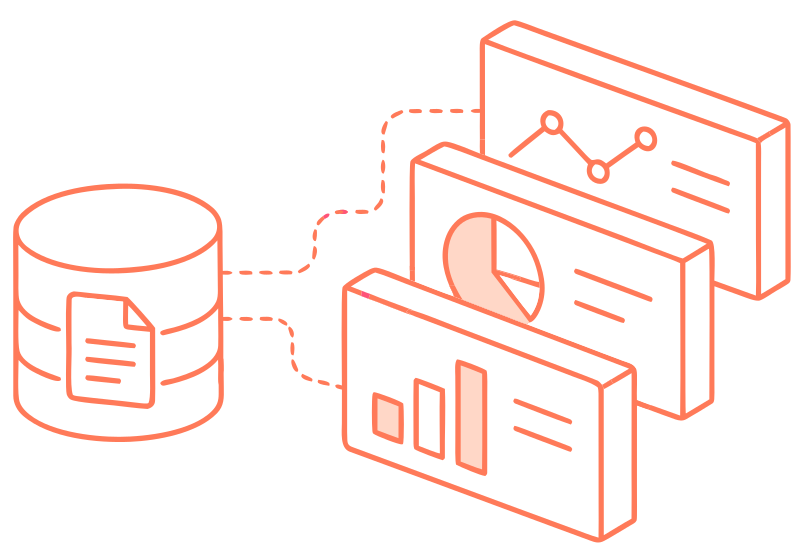
Automation Needs Expand Beyond Tasks

Automation Needs Expand Beyond Tasks

Task-based automation may not cover broader marketing follow-ups, lifecycle changes, and service handoffs as customer journeys and team responsibilities evolve.

See How Businesses Build Better with OneMetric

From HubSpot website development to digital experiences, explore how we help businesses create high-performing websites and drive growth.

What Our Clients Say

  • Transition of Power

    “ My team and I had gone to market to replace our existing CRM where we were given the opportunity to work with the Growtomation team. With any big transition, there are a lot of concerns and hesitation for change. The team were able to silence all those concerns and help us with our peaceful transition over to HubSpot. They are responsive and curious to help us in our niche marketplace for ABM and other outbound cadences for GTM and identifying TAM. Highly recommend! ”

    Services provided
    CRM Implementation, Account based marketing, Email Marketing, and Knowledge Base Development

    Barnett, J.
    Barnett, J.
  • Outstanding Support from Aashish & OneMetric Team

    “ We at Mechon International had an excellent experience working with OneMetric. Aashish supported us from start to finish, managing the migration, fixing form and tracking issues, and ensuring clean data setup. His communication was always clear, timely, and solution-focused. We truly appreciate his dedication and highly recommend OneMetric for any HubSpot implementation. ”

    Services provided
    Paid Advertising, Sales and Marketing Alignment, CRM Implementation, Social Media, and Email Marketing
    k T
    k, T.
  • Professional, great communicators, commercially minded and quick to deliver

    “ I have worked with a few HubSpot partners who promised the world and but delivered very little or when they delivered it took twice the amount of time originally agreed on. I found the team at Growtomation really easy to deal with. What I like best is the fact that there is no ticketing system for support. I can reach out to my dedicated project manager and move tasks priorities at will. I can upload tasks to our Growtomation dashboard and when urgent deadlines have come up the team at Growtomation has been quick, willing and able to help me deliver them. Growtomation conducts themselves professionally even when under pressure and are able to juggle multiple projects successfully with competing deadlines. The technical support they have provided on fully integrated marketing campaigns, platform integration and Salesforce CRM migration has been invaluable. ”

    Services provided
    Email Marketing, Full Inbound Marketing Services, Website Development, Account based marketing, Custom API Integrations, Sales Enablement, and Programmable Automation
    Barreto Tilman
    Barreto-Tilman, M.

Get a Copper Migration Estimate

Get a tailored migration estimate based on your data, workflows, integrations, and technical requirements.

Why Migrate from Copper to HubSpot?

Copper keeps leads, contacts, companies, and opportunities closely connected to Gmail. HubSpot extends that foundation by bringing marketing, sales, and service activity into one CRM, while its Gmail integration lets sales reps continue working from their inbox.

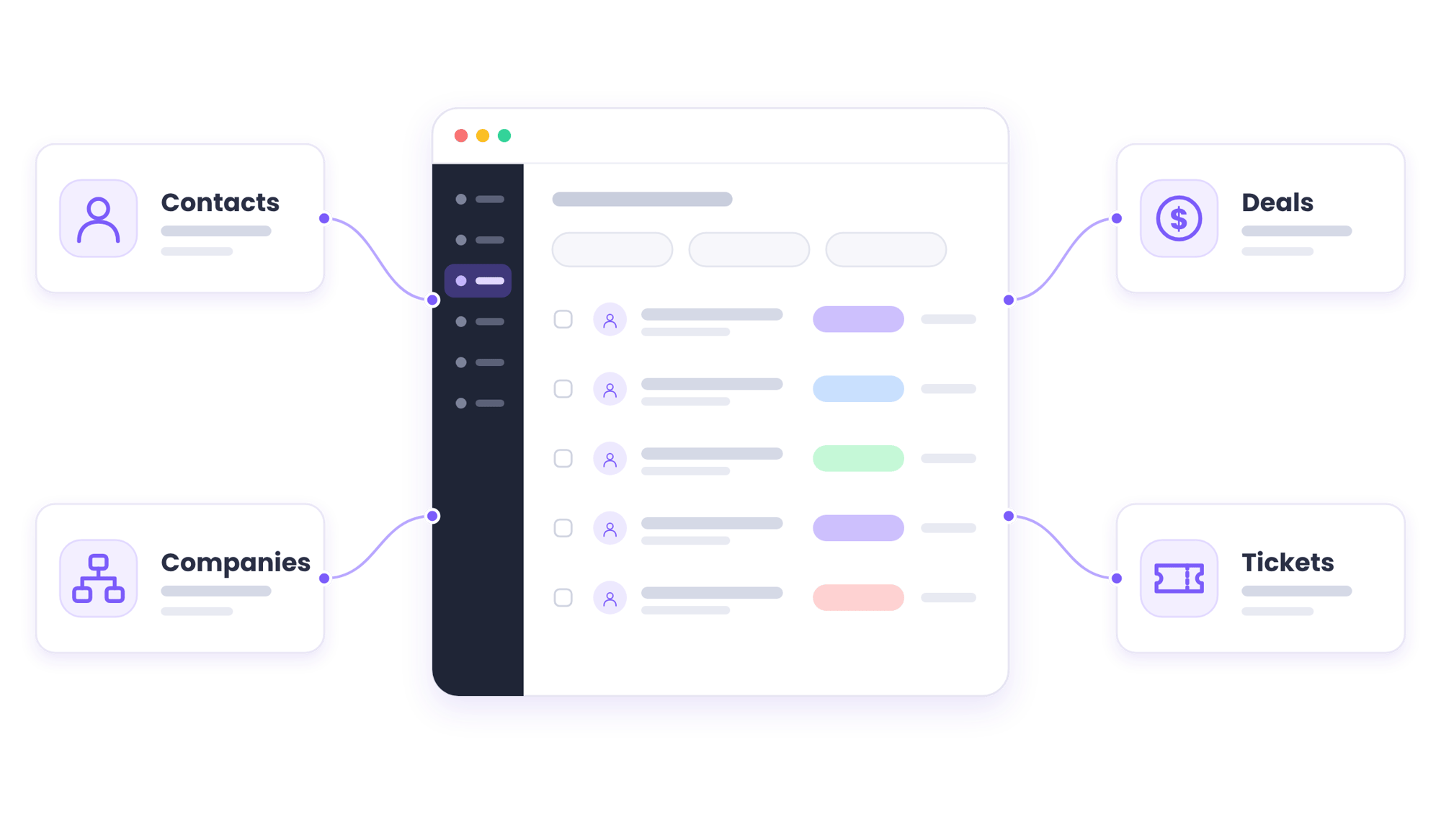
Unify Customer Data Across Teams

Bring contacts, companies, deals, and tickets into one CRM so marketing, sales, and service teams share a consistent view of every customer.
Unify Customer Data Across Teams

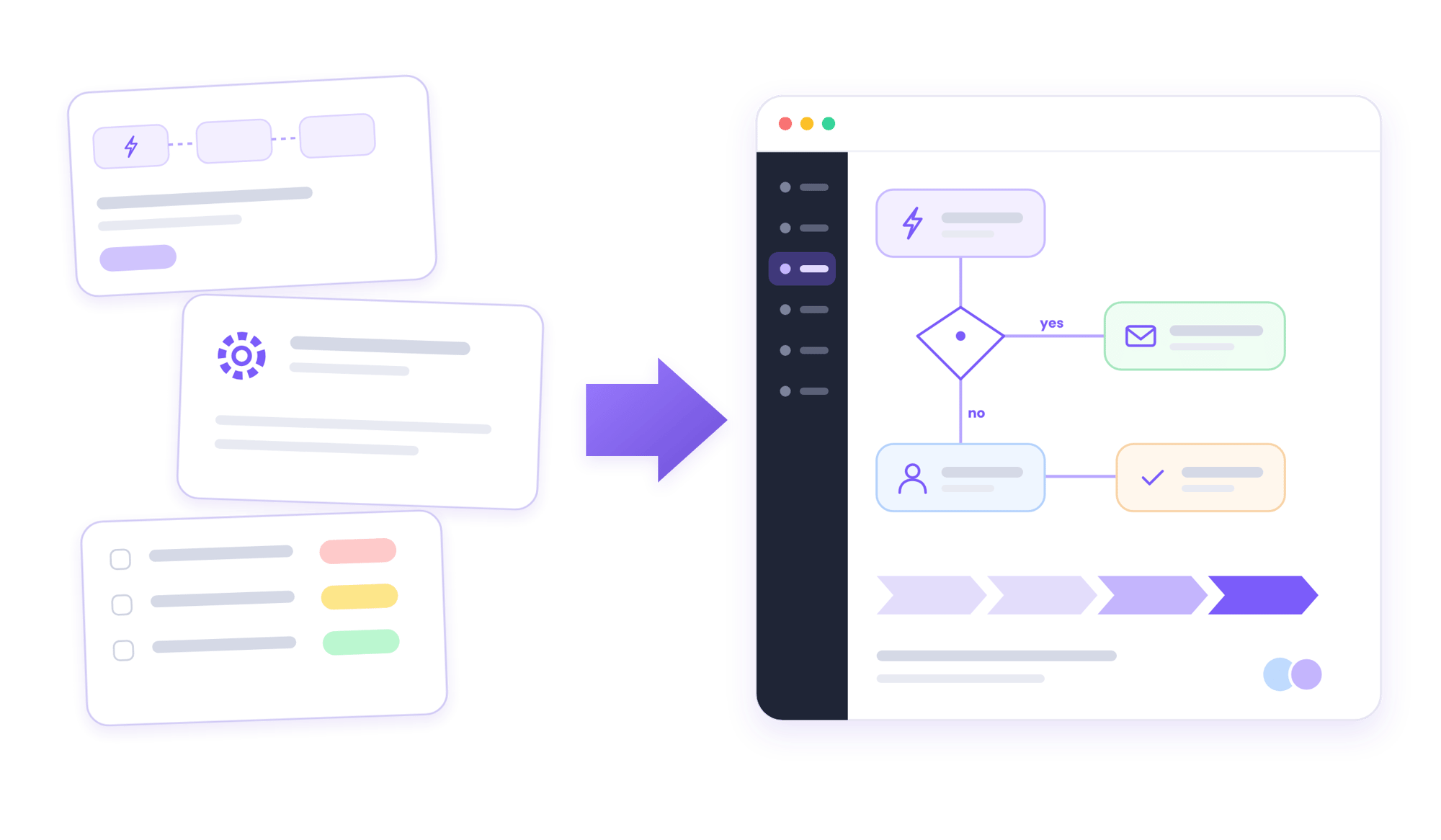
Extend Task Rules Into Workflows

Rebuild relevant Copper task automations as HubSpot workflows triggered by lifecycle stages, deal activity, ownership changes, and other CRM events.
Extend Task Rules Into Workflows

Connect Pipeline Performance to Revenue

Track pipeline movement, conversion rates, deal ownership, and revenue alongside marketing activity for a more complete view of business performance.
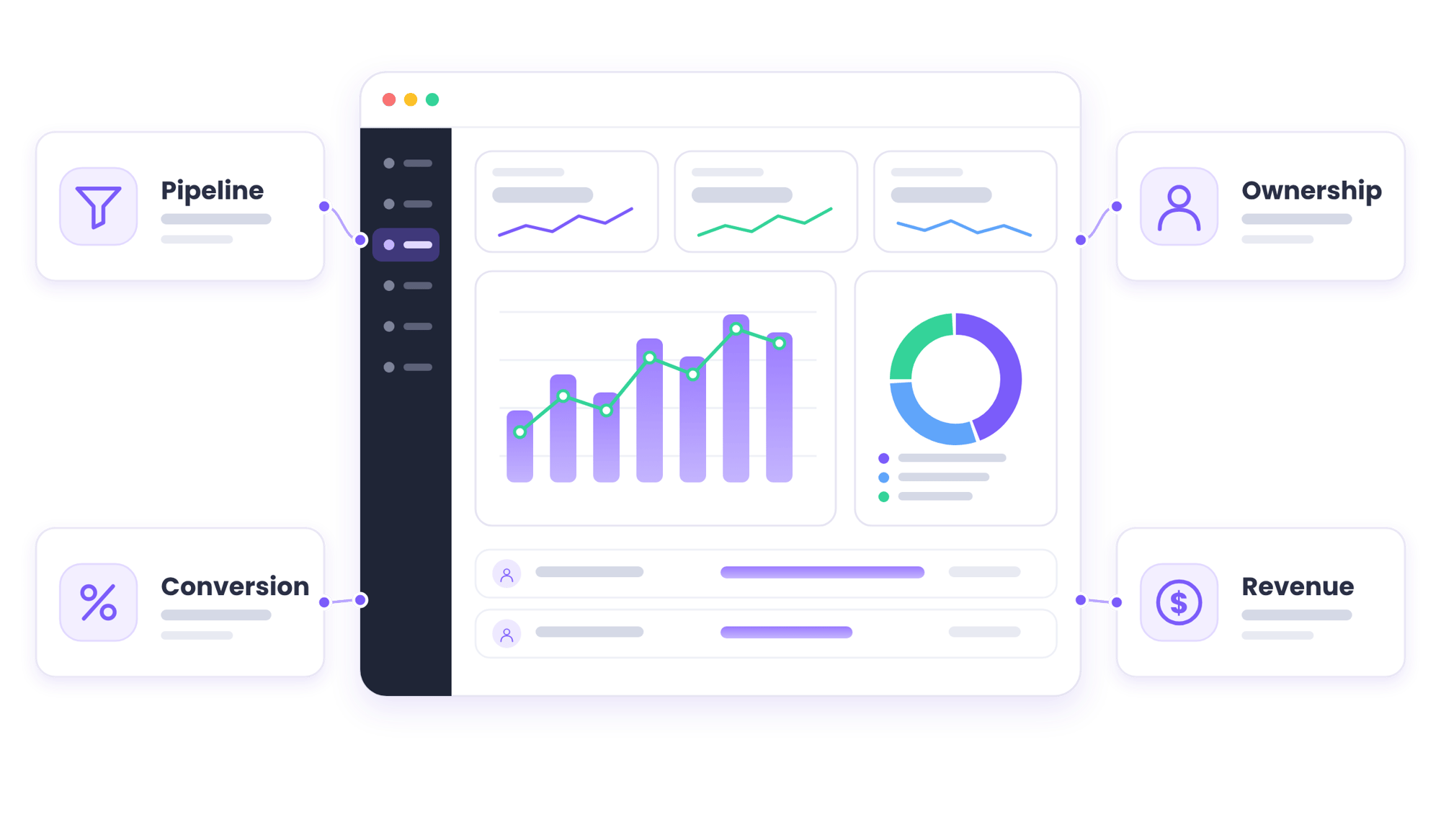
Connect Pipeline Performance to Revenue

Start With a Cleaner CRM Structure

Identify duplicate and inactive records, unused fields, and outdated pipelines before migration to keep the new HubSpot portal organized.

Start With a Cleaner CRM Structure

Keep Sales Connected to Gmail

Use the HubSpot Gmail extension to log and track email activity from the inbox while keeping relevant interactions connected to CRM records.
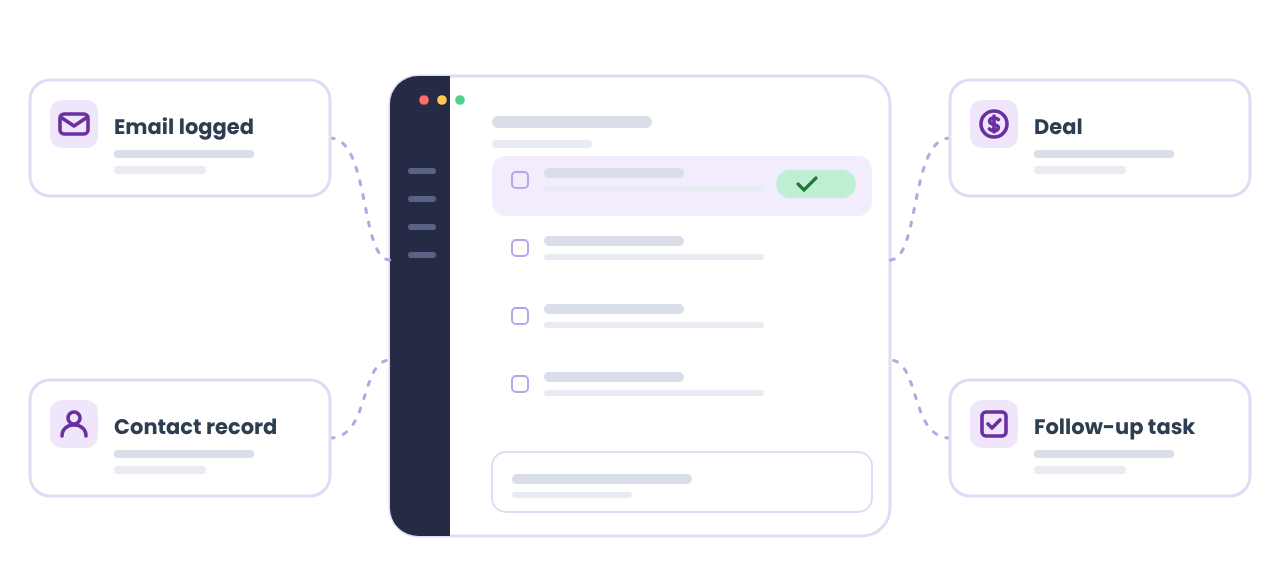
Copper_keep_sales_connected_to_gmail

What Can We Migrate from Copper to HubSpot?

Copper holds more than rows to export. Each record type, field, pipeline, and automation is reviewed to decide its place in HubSpot.

People and Companies

Bring people and companies into HubSpot contacts and companies, keeping fields, owners, and the links between them.

Leads

Review how your team uses leads, then move them to HubSpot as contacts with a lifecycle stage or as HubSpot leads, depending on your process and plan.

icon_pipeline Opportunities and Pipelines

Rebuild opportunities with stages, values, owners, loss reasons, and associations in pipelines that fit how you sell today.

Activities and Notes

Assess calls, meetings, notes, tasks, and email history, depending on what Copper provides and what HubSpot accepts.

Projects, Custom Fields, and Tags

Review projects, custom fields, tags, and connect fields one by one, then map each to a HubSpot object, property, or association.

Automations and Email Templates

Treat these as logic and content rather than records, and rebuild what still matters.

Your Copper Setup Doesn't Have to Become Your HubSpot Setup.

It is tempting to rebuild every field, pipeline, and task rule unchanged, and that is a mistake. We establish what each part of your Copper workspace was meant to do before anything is built.

Copper

vs
  • Lead
  • Opportunity pipeline
  • Project
  • Abandoned opportunity
  • Task automation
  • Tag
  • Connect field
  • Inactive records

HubSpot

  • Contact with a lifecycle stage, or a HubSpot lead
  • Deal pipeline, redesigned where needed
  • HubSpot project, custom object, or deal
  • Closed lost deal, or an open stage, agreed with your team
  • HubSpot workflow
  • Property value, such as multiple checkboxes
  • Association between records
  • Remove, archive, or keep out

Your Copper Customizations and Integrations Don't Disappear. They Get Re-engineered.

A Copper workspace gathers custom fields, pipelines, task automations, templates, and connected apps over time. Each is checked against what it achieves for your team today, then rebuilt or retired accordingly.

Copper to HubSpot Data Mapping

Decide Where Every Field Lands

Each Copper field, tag, and connection gets a HubSpot destination before the first record is loaded, and a pilot confirms the choices.

Copper
HubSpot
Migration Consideration

People

Contacts

Map fields, owner, and lifecycle stage; extra email addresses need a plan

Leads

Contacts, or Leads

Depends on how leads are used and on your plan

Companies

Companies

Matching domains attach contacts to the right company

Opportunities and pipelines

Deals and pipelines

Rebuild stages, values, loss reasons, and owners

Won, Lost, and Abandoned statuses

Closed won and closed lost stages

Abandoned fits neither, so agree its treatment before import

Projects

Projects, custom objects, or deals

Projects need activation; custom objects need Enterprise

Custom fields and tags

Properties

Match field types; tags suit multiple checkboxes or a dropdown

Connect fields

Associations

Extracted separately because Copper stores them as connections

Activities and notes

Activities on records

Confirm the source first, since Copper’s export leaves activities out

Copper

People

HubSpot

Contacts

Migration Consideration

Map fields, owner, and lifecycle stage; extra email addresses need a plan

Copper

Leads

HubSpot

Contacts, or Leads

Migration Consideration

Depends on how leads are used and on your plan

Copper

Companies

HubSpot

Companies

Migration Consideration

Matching domains attach contacts to the right company

Copper

Opportunities and pipelines

HubSpot

Deals and pipelines

Migration Consideration

Rebuild stages, values, loss reasons, and owners

Copper

Won, Lost, and Abandoned statuses

HubSpot

Closed won and closed lost stages

Migration Consideration

Abandoned fits neither, so agree its treatment before import

Copper

Projects

HubSpot

Projects, custom objects, or deals

Migration Consideration

Projects need activation; custom objects need Enterprise

Copper

Custom fields and tags

HubSpot

Properties

Migration Consideration

Match field types; tags suit multiple checkboxes or a dropdown

Copper

Connect fields

HubSpot

Associations

Migration Consideration

Extracted separately because Copper stores them as connections

Copper

Activities and notes

HubSpot

Activities on records

Migration Consideration

Confirm the source first, since Copper’s export leaves activities out

Where Copper to HubSpot Migrations Get Complicated

Assumptions

Reality

A single export will cover everything.
Copper’s export covers records such as people, companies, opportunities, leads, projects, and tasks, but not activities, which have to be requested from Copper Support or pulled through the API.
Smart Transfer will move it all.
Smart Transfer for Copper covers people, leads, companies, opportunities, notes, calls, meetings, tasks, and users. Projects, email history, and attachments need their own plan, and custom objects are not supported.
Our relationships will carry over.
Connect fields are stored as separate connections rather than values on the record, so they are extracted on their own and rebuilt as associations.
Our automations can move over untouched.
Task automations create tasks when a trigger fires. They become workflows designed around the result each one produced.
We can drain the account in one pass.
The API is rate-limited and paged, and searches return a capped set of results, so large accounts are extracted in batches.
Activity history comes along for free.
Because HubSpot’s import tool cannot edit existing emails, meetings, notes, or tasks, history needs a dedicated load plan.

The Copper to HubSpot Migration Roadmap: Audit. Architect. Migrate. Launch.

Four stages carry a Copper workspace from audit to a HubSpot portal your reps have signed off.

01. Audit & Discovery

Find out what the workspace contains and how it is really used.

Copper Audit – Review leads, people, companies, opportunities, projects, custom fields, automations, templates, and connected apps.

Data Assessment – Find duplicates, inactive records, inconsistent fields, and leads with extra email addresses.

Migration Scope – Choose the record types, owners, and pipelines that move, and what is rebuilt or retired.

02. Architecture & Preparation

Design the HubSpot structure and prepare the records.

Data Mapping – Map records, fields, tags, connect fields, and pipelines to HubSpot.

HubSpot Setup – Configure properties, pipelines, and ownership, verified against your plan.

Clean & Pilot – Clean the approved records and test the mapping on a sample.

03. Migration & Validation

Move the approved data across and verify what lands.

Production Migration – Records load in dependency order, relationships and activity follow, and exceptions are tracked.

Automation Rebuild – Recreate the task automations and templates that remain useful.

Validation & Reconciliation – Verify counts, associations, pipelines, workflows, and reports against what Copper showed.

04. Launch & Transition

Switch your team to the portal that passed testing.

Final Cutover – Complete final checks, set up the Gmail extension, and switch from Copper to HubSpot.

User Acceptance Testing – Reps test the pipelines and workflows they depend on.

Enablement & Support – Train reps, record how the setup works, and support the transition.

How We Validate Your Copper to HubSpot Migration

Data Validation

Match record totals, property values, and required fields to the Copper export.

Relationship Validation

Confirm contacts, companies, and deals link correctly, that leads landed as planned, and that connect-field relationships became associations.

Process Validation

Exercise deal stages, owners, lifecycle stages, and the workflows built from Copper task automations.

Reporting Validation

Compare priority pipeline and conversion reports with the same views in HubSpot.

Integration Validation

Confirm that Gmail, calendar, webhooks, and connected apps behave once reconnected.

User Acceptance Testing

Let reps try the records, pipelines, and workflows they rely on before go-live.

Ready to Move from Copper to HubSpot?

Moving from Copper should mean more than transferring leads, contacts, and opportunities into a new CRM.

It should give your teams a connected view of every customer, workflows that support the full sales process, and reporting that links pipeline activity to revenue.

Let’s plan the move.

Why OneMetric for Copper to HubSpot Migration?

An export alone does not move a team off Copper. OneMetric inspects the workspace, shapes the HubSpot structure, rebuilds the automation worth keeping, and has your reps test it.

Hubspot elite partner

HubSpot Elite Partner

Certified HubSpot Expertise
Expertise across CRM migrations, implementations, integrations, and RevOps, helping businesses transition to HubSpot with the right architecture and setup.
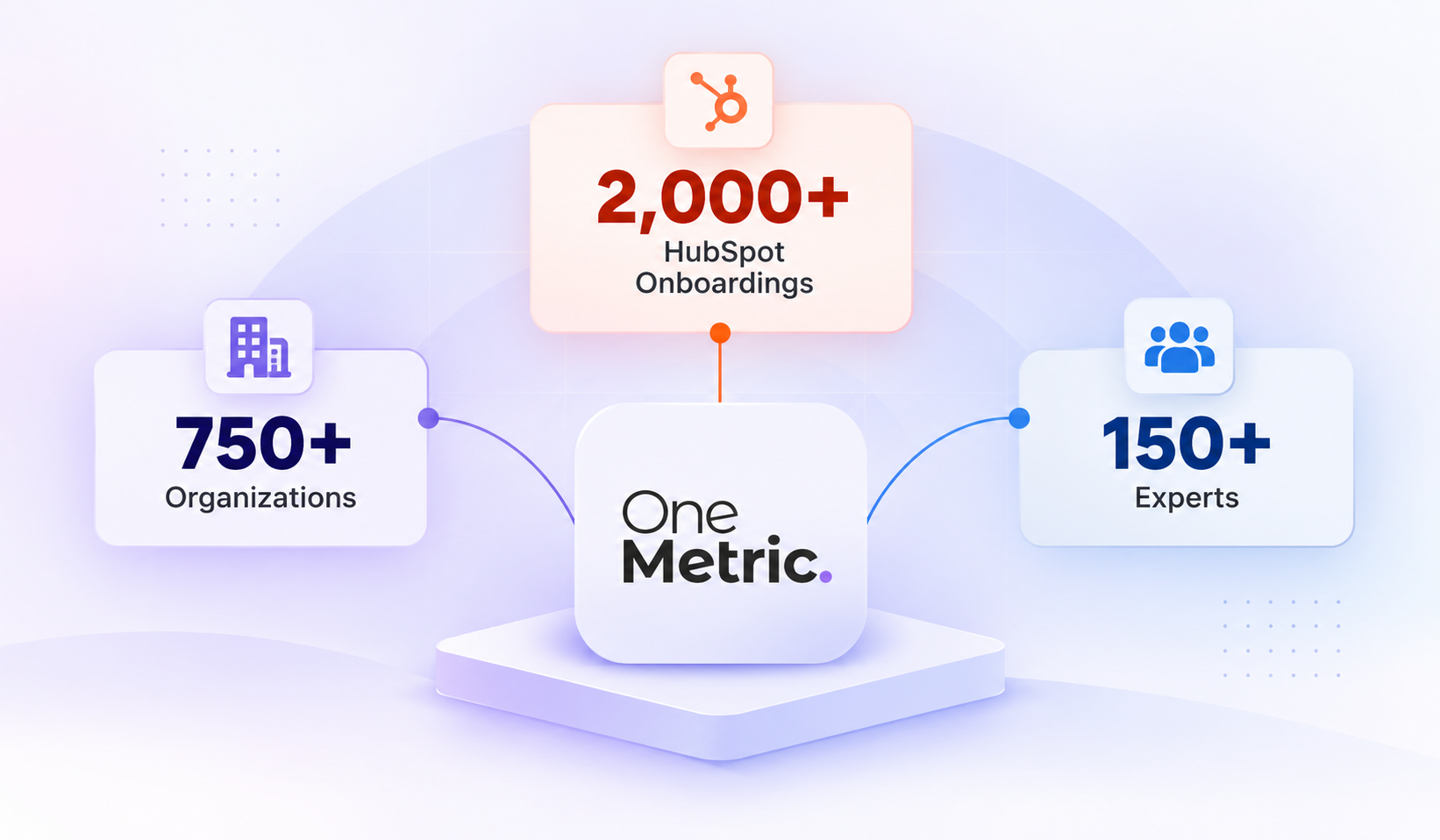
why one metric

Proven at Scale

Experience That Scales With You
Trusted by 750+ organizations with 2,000+ HubSpot onboardings, backed by 150+ HubSpot, RevOps, and DevOps experts.
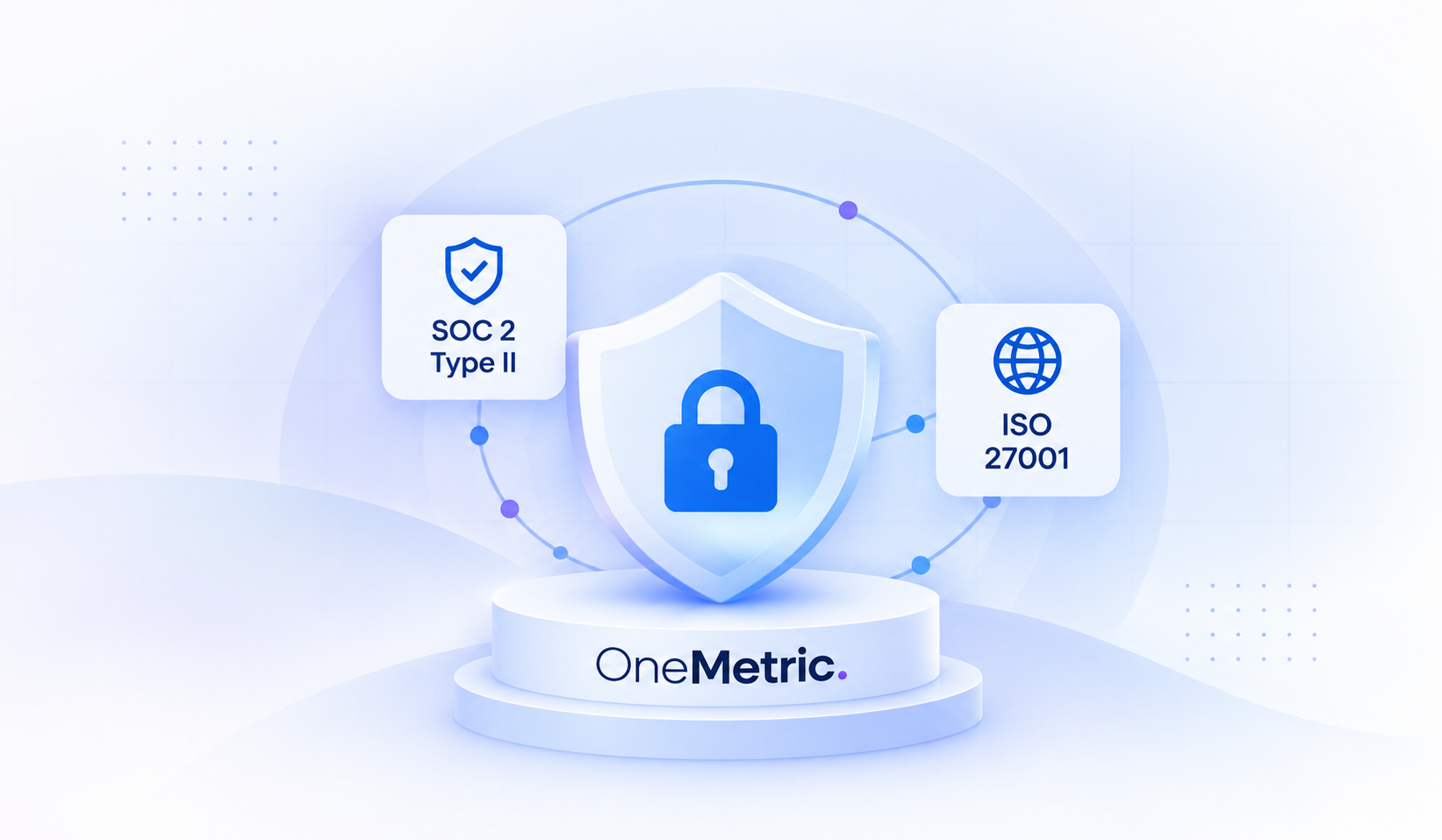
one metric security

Enterprise Security

Security Built for Enterprise
SOC 2 Type II and ISO 27001 certified practices supporting secure, compliant, and reliable CRM migrations for enterprise environments.

Frequently Asked Questions About Copper to HubSpot Migration

Yes. Copper is a supported source for HubSpot’s Smart Transfer, and data can also move through the import tool or Copper’s API. The route depends on your records, fields, activity history, and HubSpot subscription.

It depends on how your team uses them. Leads can become contacts with a lifecycle stage, or HubSpot leads where your Sales Hub tier includes them. Copper leads hold one email address, so extra addresses are checked first.

They are not copied. The trigger and the task each one creates are assessed and rebuilt as HubSpot workflows, which depend on your subscription.

Copper ends opportunities as Won, Lost, or Abandoned, while HubSpot’s default pipeline closes deals as won or lost. We agree with your team how abandoned deals are treated before import.

Copper’s export leaves out activities, so they are requested from Copper Support or pulled through the API. Smart Transfer covers notes, calls, meetings, and tasks, but not email history. Because HubSpot imports can create emails, meetings, notes and tasks but cannot update them later, loads are planned in advance. 

Yes. Export access depends on user permissions, activities are not part of the export, and the API is rate-limited and paged. Extraction is planned around those limits.

How long it takes depends on data volume, field count, automations, integrations, and extraction constraints. Discovery produces a realistic plan.

Cost follows data volume, projects, automations, integrations, cleanup, reporting, and post-migration support.

Relatable? We should definitely talk.

All that we’ll cover when we speak:

  • How to measure and multiply the ROI of your HubSpot investment
  • How can you integrate systems to eliminate data silos and make HubSpot the Single source of truth for your GTM teams
  • Your current GTM motions and future roadmap
  • Challenges that you face with your HubSpot
  • What would "wins" look like for you
Book a Meeting