
%203.webp?width=104&height=105&name=elite-badge-color%20(2)%203.webp)



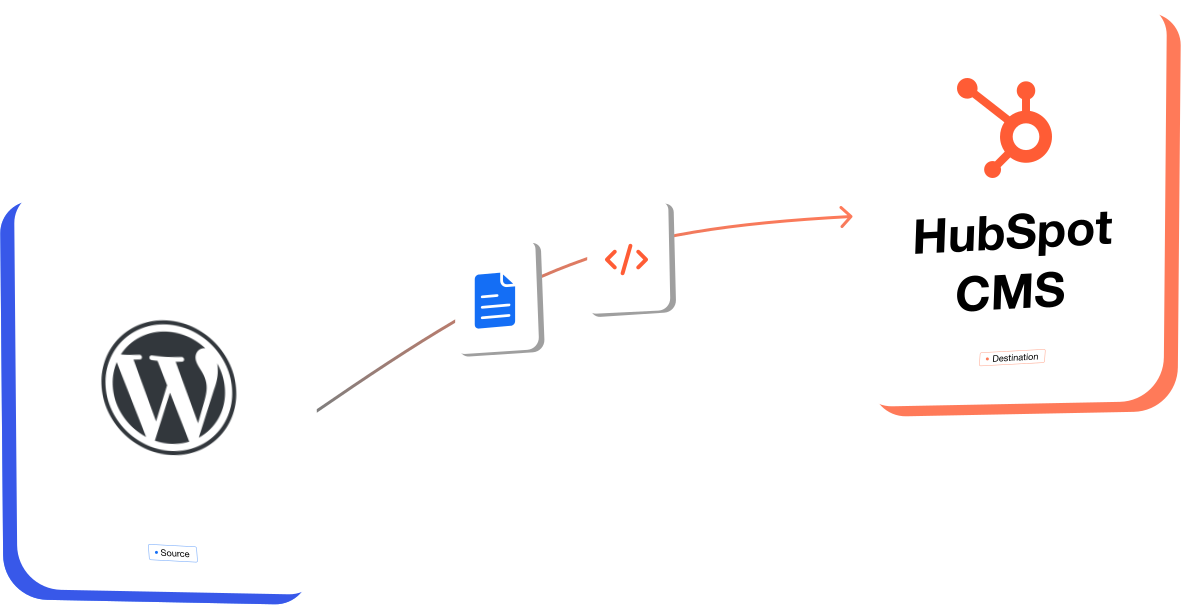















WordPress vs. HubSpot CMS: What Your Team Gains After Migration?

WordPress

- Plugin-Based Ecosystem
- Open-Source CMS
- Third-Party Integrations
- Multiple Tools to Manage
- Developer-Led Customization
- Self-Managed Hosting & Updates
- Separate Analytics & Marketing Tools

HubSpot CMS
- Native & Connected Tools
- Fully Hosted CMS
- Built-In CRM Connectivity
- Unified Marketing Platform
- Marketer-Friendly Editing
- Managed Infrastructure
- Integrated Reporting & Marketing
What Our Clients Say
-
HubSpot experts. Just hire them. You won't regret it
“ OneMetric team are true professionals and HubSpot experts. Some special callouts are to Riya Sachdeva for her deep understanding of our marketplace, guardrails and copywriting. Also we need to mention Harshit Gupta our account manager and our newest team member Aditi for her valuable contributions and deep understanding of Western Markets. They took our business at DocsOfCannabis.com from an old WordPress import to a modern HubSpot website with staging, appropriate industry-specific guardrails, and into content creation and social distribution. They were on time, on budget, professional, and a joy to work with. You can take a look at our website and see their work. We can highly recommend them for the services we received. ”
Services provided
Website Development, Search Engine Optimization, CRM Implementation, Social Media, Website Design, Branding, and Content Creation

-
Exceptional Partners Who Go Above and Beyond the Scope
“ I couldn’t be happier with how our new website turned out. Gaurav Mishra and his CMS team were incredibly professional and maintained a high level of responsiveness throughout both the website development and the migration process. What really stood out was their flexibility and technical expertise. During the final stages, they pivoted at the last minute to handle our full resource migration—a complex task that wasn't originally in the workload. They managed the transition perfectly, ensuring nothing was lost and everything was organized correctly within HubSpot. They delivered everything on schedule and set up the back end so it’s incredibly easy for our team to manage. If you are looking for a development partner that can handle a high-stakes migration while delivering a beautiful, functional site, I cannot recommend them enough! ”
Services provided
Website Development and Website Migration

-
Bringing Tata Communications’ Digital Vision to Life
“ The OneMetric CMS team took complete ownership of building the new Tata Communications website and played a key role in bringing our digital vision to life. Led by founders Nishant Gupta and Jatin Chhabra, the team demonstrated strong technical expertise, ownership, creativity, and a true can-do attitude throughout the project. OneMetric felt like a true extension of our team, and we’re grateful for their commitment in making this launch a success. ”
Services provided
Website Development

-
Excellent Website Migration Experience
“ We had an excellent experience with the website migration. The entire process went remarkably smoothly, which is a true testament to the team's expertise and organization. Himshikha in particular stood out. She was consistently responsive, delivered on time, and handled every question with professionalism and care. No matter what came up, she had a solution ready. That kind of reliable, proactive support made a real difference throughout the project. Overall, outstanding work from Himshikha and the whole team. We wouldn't hesitate to work with them again. ”
Services provided
Website Development, Website Migration, and Search Engine Optimization

Relatable? We should definitely talk.
All that we’ll cover when we speak:
- How to measure and multiply the ROI of your HubSpot investment
- How can you integrate systems to eliminate data silos and make HubSpot the Single source of truth for your GTM teams
- Your current GTM motions and future roadmap
- Challenges that you face with your HubSpot
- What would "wins" look like for you