












A Structured Approach to Your QuickBooks and HubSpot Integration
This isn’t a plug-and-play connector. We break the integration into clear phases. No assumptions, no shortcuts, and no hidden gaps.
Understand business goals, system dependencies, and what success looks like.
- Stakeholder interviews across Sales, Marketing, Service, Ops, IT
- Audit QuickBooks and HubSpot configurations, API availability, scopes, and event models
- Identify use cases: sync, trigger, enrich, embed (examples: Gmail to HubSpot logging, ChatGPT actions, order updates, ticket routing)
- Define system of record per entity and field (HubSpot vs QuickBooks)
- Capture compliance and security needs: PII handling, data residency, access control
- Prioritize “must integrate” vs “optional” flows
- Finalize scope, constraints, and success criteria
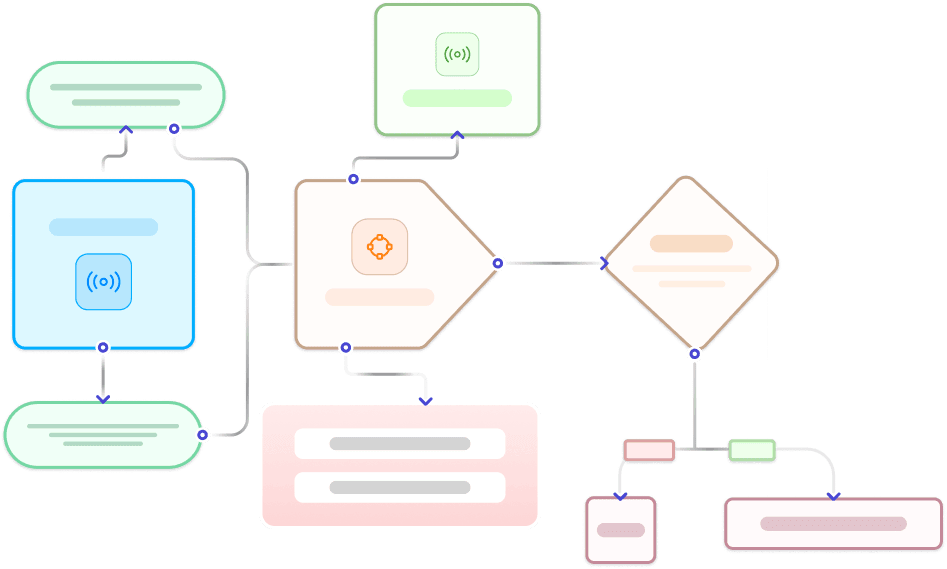
Blueprint how data and workflows move across tools.
- Map entities and properties: contacts, users, messages, tickets, orders, products, events
- One-way vs bi-directional rules, update precedence, and conflict handling
- Lifecycle and status mapping: lead and deal stages, ticket states, subscription states, order states
- Workflow alignment: assignment, SLAs, notifications, approvals, AI prompts and actions
- Activity design: what gets written to the HubSpot timeline (emails, chats, calls, notes, events)
- Validation rules and data quality guardrails
.webp?width=327&height=250&name=Solving%20Data%20intake%20(from%20all%20demand%20sources).webp)
Create a reliable, scalable integration foundation.
- Choose approach: native app, marketplace connector, iPaaS, or custom API
- Authentication and permissions: OAuth scopes, key management, least privilege
- Real-time vs batch sync: webhooks, polling schedules, throughput planning
- Reliability: idempotency, retries, exponential backoff, dead-letter queues
- Observability: logs, metrics, alerting, runbooks, error triage
- Rate-limit strategy and pagination
- Solution diagrams and sequence maps reviewed with stakeholders
Prove the integration safely before scale.
- Configure sandbox or test tenants in QuickBooks and HubSpot
- Connect middleware or custom services with sample secrets and scopes
- Pilot a golden dataset and key flows:
- Example: Gmail email → HubSpot contact timeline, ticket creation, AI draft response in ChatGPT
- Example: Shopify order → HubSpot deal update and customer lifecycle change
- Validate mappings, timelines, and automations
- Run failure scenarios and recovery tests
- Capture pilot feedback and finalize go-live checklist

Launch with confidence and minimal disruption.
- Stage rollout by object, team, or region
- Activate sync for priority entities and events
- Validate counts, values, and associations against acceptance criteria
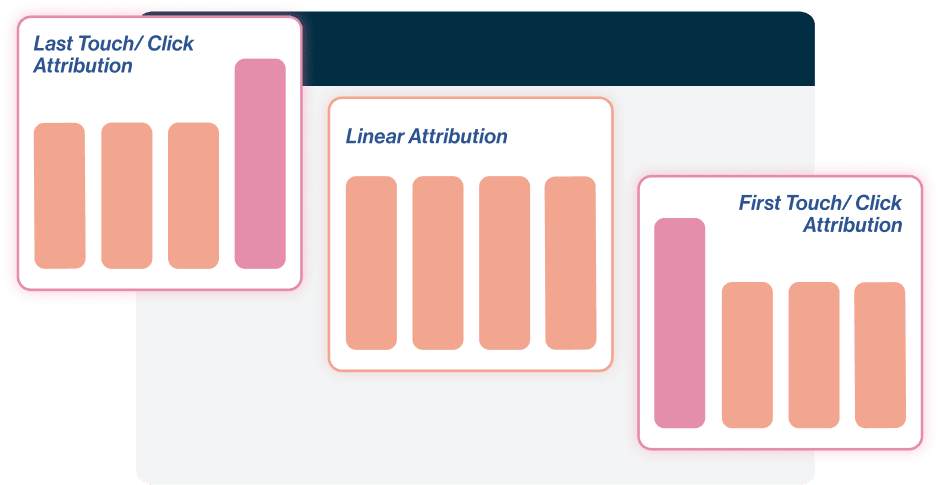
- UAT with business owners; confirm reporting and attribution
- Monitor health dashboards, error queues, and latency
- Document rollback and hotfix procedures
Drive adoption and keep the integration healthy.
- Role-based training and quickstart guides for admins and end users
- Playbooks for common tasks and troubleshooting
- Monitoring dashboards for sync health and data quality
- Governance for changes: new fields, new apps, new prompts
- Quarterly optimization to expand use cases and reduce manual work
What Does Integration Deliver?
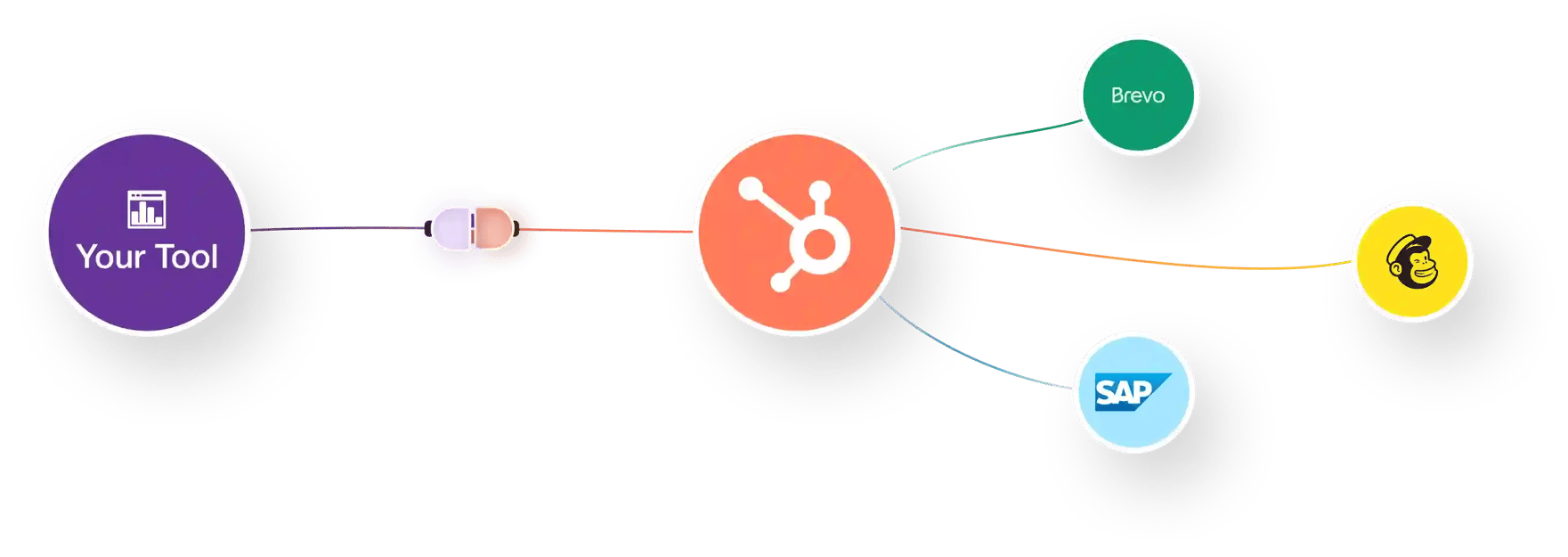
Integrate invoices, payments, customers, and accounting fields from QuickBooks into HubSpot for better financial insight and automated workflows.
Accounting + CRM Integration: QuickBooks ↔ HubSpot
Our Frequently Asked Questions
Our HubSpot QuickBooks Online integration uses secure, encrypted API connections to sync accounting data in real time. No external storage or intermediary servers are involved. This QuickBooks to HubSpot integration architecture ensures enterprise-grade data protection while maintaining accurate financial visibility inside HubSpot.
Most HubSpot QuickBooks integration setups are completed within 1–2 hours, depending on invoice volume, customer records, and required field mappings. More complex QuickBooks Online HubSpot integration configurations may require additional validation time.
Yes. The HubSpot QuickBooks Online integration supports filtering by invoice status, transaction type, customer, or timeframe. This ensures your QuickBooks to HubSpot integration syncs only relevant financial records into HubSpot.
Yes. Our QuickBooks Online HubSpot integration supports bi-directional synchronization for customer records and select accounting fields. This enables consistent data alignment across your HubSpot QuickBooks integration environment.
Yes. During QuickBooks to HubSpot integration, invoice-to-payment relationships remain fully intact. This ensures accurate revenue tracking and reporting within your HubSpot QuickBooks Online integration setup.
Yes. As part of the HubSpot QuickBooks integration, required HubSpot properties can be generated automatically to match QuickBooks Online data structures. This ensures seamless alignment within your HubSpot QuickBooks Online integration.
No. The HubSpot QuickBooks Online integration focuses on secure financial data synchronization. Native QuickBooks Online workflows do not transfer, but synced data can be used to trigger automation inside HubSpot.
Pricing for HubSpot QuickBooks integration is based on invoice volume, synchronization frequency, and the number of custom field mappings required. Costs scale according to the scope of your QuickBooks to HubSpot integration.
Yes. Refunds, adjustments, and credit memos are included within the QuickBooks Online HubSpot integration and appear as timeline events inside HubSpot. This ensures complete financial visibility across your HubSpot QuickBooks integration.
Yes. Ongoing support for your HubSpot QuickBooks Online integration includes mapping updates, sync monitoring, and troubleshooting. This ensures your QuickBooks to HubSpot integration remains stable and aligned with operational needs.
Here's a quick case study :)

As a solo marketer, I needed a team that could not only set up the technical side of things but also help me think strategically—OneMetric delivered on all fronts. They completely revamped our HubSpot CRM and marketing automation, making it possible for me to work more efficiently and focus on the bigger picture. Their guidance in shifting towards an ABM strategy has been invaluable, allowing us to tailor our marketing more effectively. From creating a sleek newsletter design to building out insightful reporting, they’re always thinking ahead. If you’re looking for a dedicated, hardworking team to level up your marketing efforts, OneMetric is your go-to!
Julie Taylor
Head of Marketing


Relatable? We should definitely talk.
All that we’ll cover when we speak:
- Opportunities to increase the ROI of your HubSpot investment
- Your current GTM motions and future roadmap
- Challenges that you face with your overall revenue stack
- Missed revenue opportunities due to gaps in your funnel
- What would "wins" look like for you?




.webp?width=210&height=116&name=Frame%201321318036%20(1).webp)
.webp?width=272&height=116&name=Frame%201321318036%20(2).webp)
.webp?width=205&height=116&name=Frame%201321318036%20(3).webp)
.webp?width=197&height=116&name=Frame%201321318036%20(4).webp)

.webp?width=197&height=116&name=Frame%201321318036%20(5).webp)
.webp?width=197&height=116&name=Frame%201321318037%20(1).webp)
.webp?width=309&height=116&name=Frame%201321318036%20(6).webp)
.webp?width=197&height=116&name=Frame%201321318037%20(2).webp)
.webp?width=197&height=116&name=Frame%201321318036%20(7).webp)
.webp?width=197&height=116&name=Frame%201321318037%20(3).webp)
.webp?width=265&height=116&name=Frame%201321318036%20(8).webp)
.webp?width=264&height=116&name=Frame%201321318037%20(4).webp)
.png?width=2000&name=VER.2%20(2).png)