














• Aramex
  • The Buzzlab
  • Admin Awards
  • Bain & Company
  • Humanz
  • CasperLabs
  • Terrapay
  • Over It
  • Automation Hero
  • Brikl

When Your Marketing Platform Needs to Support More Than Campaigns

Brevo helps businesses manage email campaigns and customer communications. As sales processes, customer relationships, and service requirements expand, managing data and workflows across separate systems can become increasingly complex.
1
Campaign Lists Limit Customer Visibility

Campaign Lists Limit Customer Visibility

When contacts are organized primarily around campaigns, understanding customer relationships, ownership, and engagement across the lifecycle becomes harder.

2
Growing Attribute Complexity

Growing Attribute Complexity

Custom attributes added across campaigns can create inconsistent data, duplicated fields, and challenges in maintaining a unified customer profile.

3
Sales Processes Need More Structure

Sales Processes Need More Structure

As sales operations grow, teams may need more structured pipelines, deal management, lead tracking, and ownership visibility.

4
Automation Needs to Go Beyond Email

Extend Automation Across Sales & Service

Brevo automations run on contact, form, website and deal activity. HubSpot workflows run across contacts, companies, deals and tickets from one place.

See How Businesses Build Better with OneMetric

From HubSpot website development to digital experiences, explore how we help businesses create high-performing websites and drive growth.

What Our Clients Say

  • Transition of Power

    “ My team and I had gone to market to replace our existing CRM where we were given the opportunity to work with the Growtomation team. With any big transition, there are a lot of concerns and hesitation for change. The team were able to silence all those concerns and help us with our peaceful transition over to HubSpot. They are responsive and curious to help us in our niche marketplace for ABM and other outbound cadences for GTM and identifying TAM. Highly recommend! ”

    Services provided
    CRM Implementation, Account based marketing, Email Marketing, and Knowledge Base Development

    Barnett, J.
    Barnett, J.
  • Outstanding Support from Aashish & OneMetric Team

    “ We at Mechon International had an excellent experience working with OneMetric. Aashish supported us from start to finish, managing the migration, fixing form and tracking issues, and ensuring clean data setup. His communication was always clear, timely, and solution-focused. We truly appreciate his dedication and highly recommend OneMetric for any HubSpot implementation. ”

    Services provided
    Paid Advertising, Sales and Marketing Alignment, CRM Implementation, Social Media, and Email Marketing
    k T
    k, T.
  • Professional, great communicators, commercially minded and quick to deliver

    “ I have worked with a few HubSpot partners who promised the world and but delivered very little or when they delivered it took twice the amount of time originally agreed on. I found the team at Growtomation really easy to deal with. What I like best is the fact that there is no ticketing system for support. I can reach out to my dedicated project manager and move tasks priorities at will. I can upload tasks to our Growtomation dashboard and when urgent deadlines have come up the team at Growtomation has been quick, willing and able to help me deliver them. Growtomation conducts themselves professionally even when under pressure and are able to juggle multiple projects successfully with competing deadlines. The technical support they have provided on fully integrated marketing campaigns, platform integration and Salesforce CRM migration has been invaluable. ”

    Services provided
    Email Marketing, Full Inbound Marketing Services, Website Development, Account based marketing, Custom API Integrations, Sales Enablement, and Programmable Automation
    Barreto Tilman
    Barreto-Tilman, M.

Get a Brevo Migration Estimate

Get a tailored migration estimate based on your data, workflows, integrations, and technical requirements.

Why Migrate from Brevo to HubSpot?

Brevo brings email, messaging, and basic CRM capabilities together. HubSpot connects marketing campaigns, sales pipelines, and service activity through a shared customer record, giving teams a more unified view of the customer lifecycle.

Unify Customer Data Across Teams

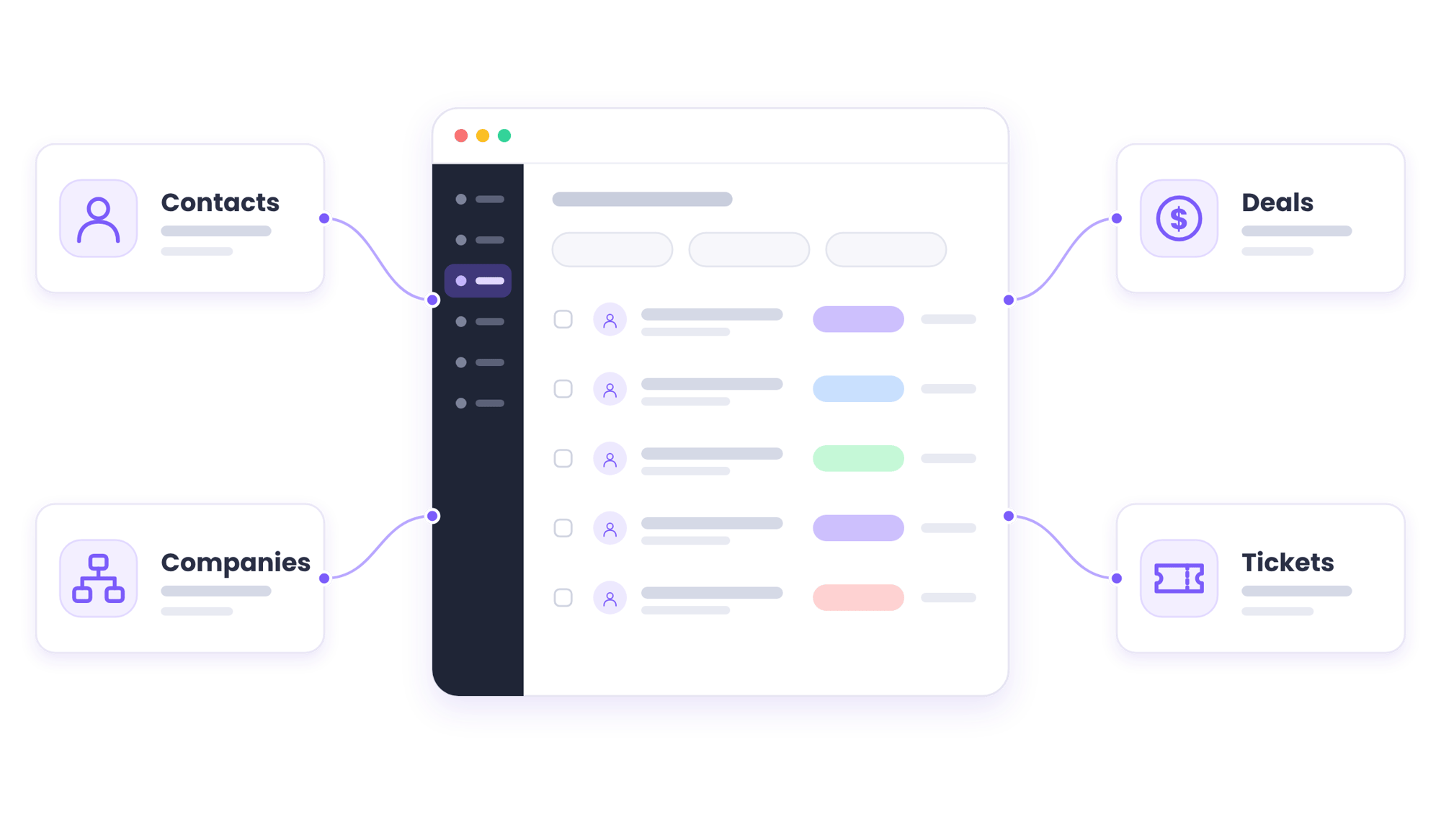
Connect contacts, companies, deals, and tickets in one CRM so marketing, sales, and service teams work with consistent customer information.
Unify Customer Data Across Teams

Extend Automation Beyond Email

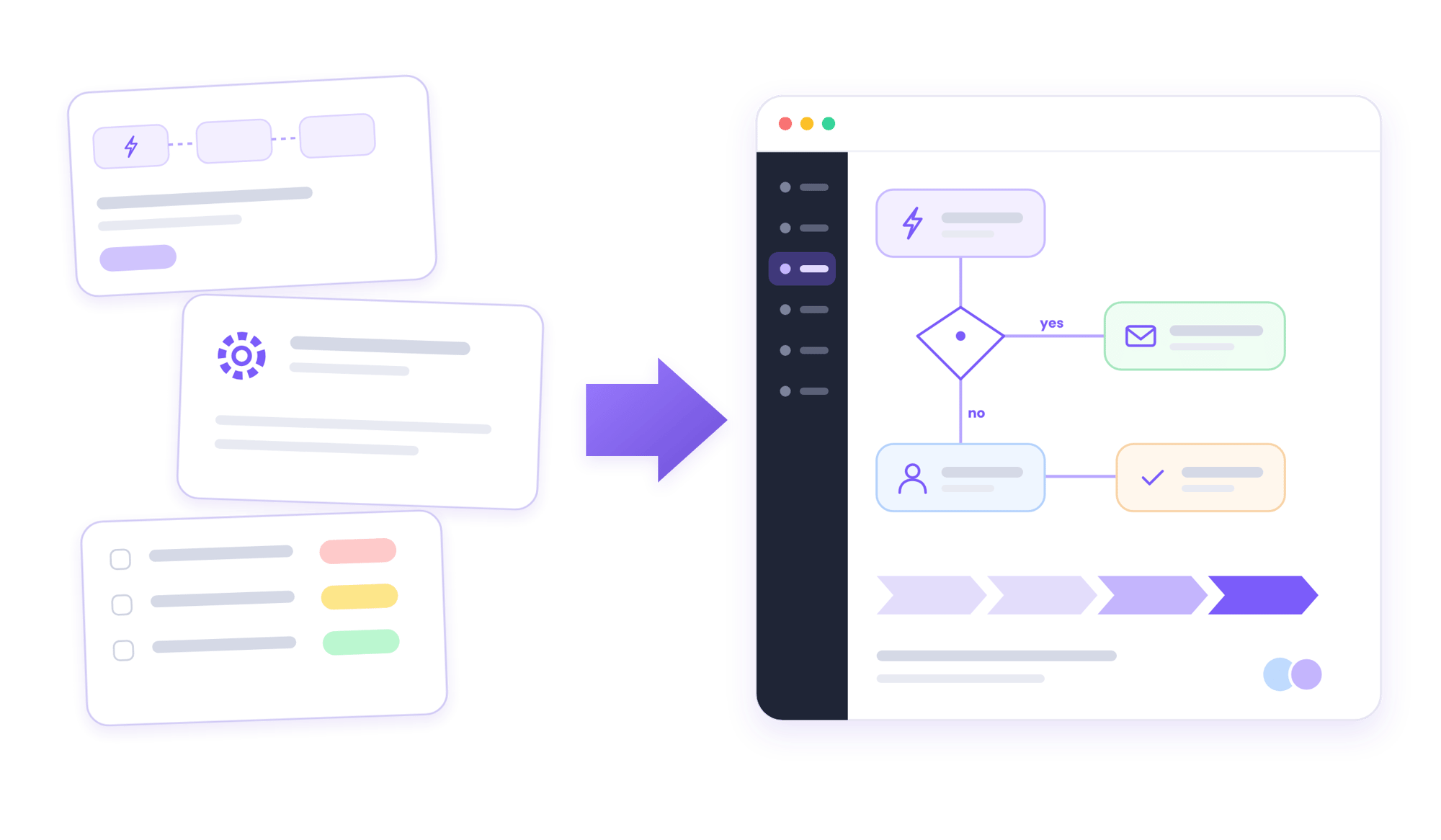
Rebuild relevant Brevo automations as HubSpot workflows triggered by lifecycle changes, deal activity, customer interactions, and ownership updates.
Extend Automation Beyond Email

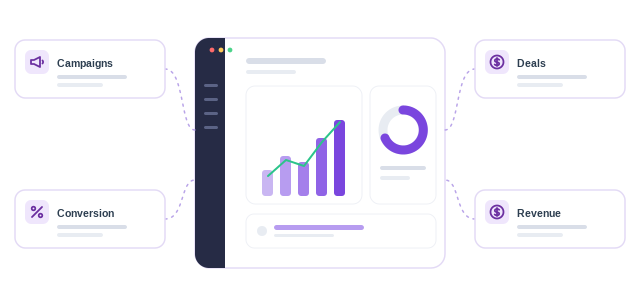
Connect Campaigns to Revenue

Track the customer journey from campaign engagement to pipeline activity and closed revenue, giving teams broader visibility into marketing performance.
Brevo_connect_campaigns_to_revenue

Start With Cleaner Contact Data

Review inactive contacts, unused attributes, duplicate records, and outdated lists before migration to create a more organized HubSpot portal.

Start With Cleaner Contact Data

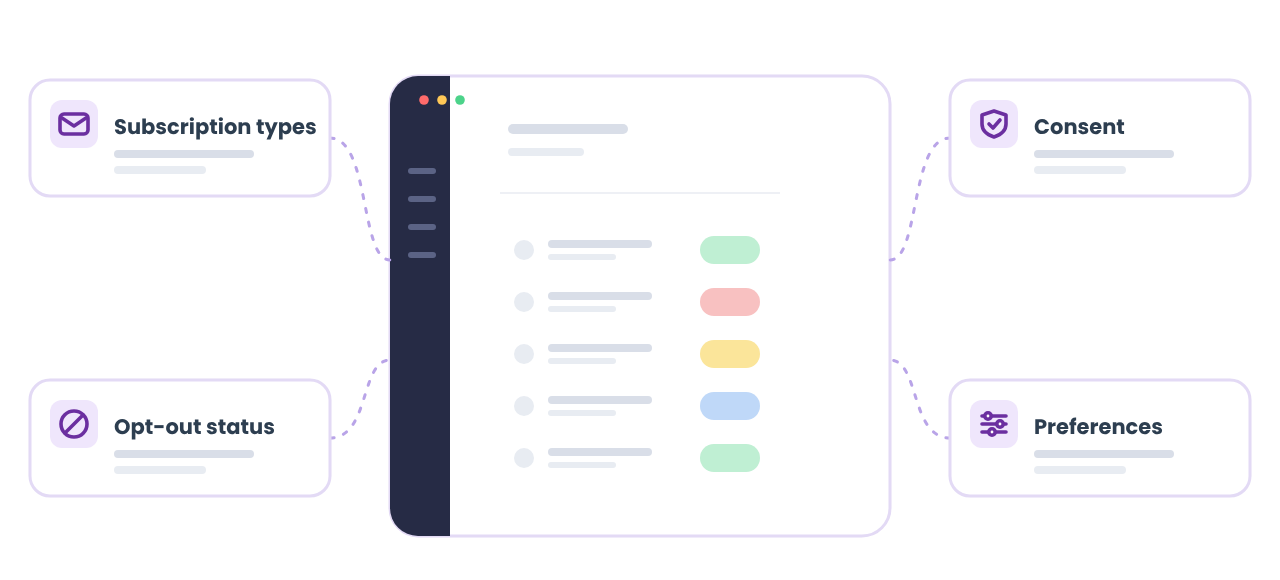
Preserve Subscription Preferences

Map email subscription types and opt-out status carefully so contact preferences and consent requirements are maintained during migration.
Brevo_preserve_subscription_preferences

What Can We Migrate from Brevo to HubSpot?

Brevo holds more than a list of contacts. Each part of the account is reviewed so it lands in the right place in HubSpot.

Contacts and Subscription Status

Migrate contacts with their attributes and opt-out status so unsubscribed people are not emailed again.

Lists and Segments

Assess how each list and segment is used before choosing the HubSpot structure that replaces it.

CRM Records

Review companies, deals, pipelines, tasks, and notes, depending on what Brevo makes available.

Email Templates

Rebuild templates and their HTML in the HubSpot email editor, reviewing each layout as it goes.

Forms and Landing Pages

Recreate signup forms and landing pages in HubSpot, depending on your subscription.

Automations and Business Logic

Treat automations as logic rather than records, and rebuild the outcomes that matter.

Your Brevo Setup Doesn't Have to Become Your HubSpot Setup.

The usual trap is recreating every list, attribute, and automation exactly as it was. Before building, we ask what each piece of your Brevo account was for.

Brevo

vs
  • List
  • Contact attribute
  • Segment
  • CRM deal
  • Automation
  • Inactive contacts

HubSpot

  • Segment or another structure
  • HubSpot property
  • HubSpot segment
  • Deal in a HubSpot pipeline
  • HubSpot workflow
  • Tidy, archive, or skip

Your Brevo Customizations and Integrations Don't Disappear. They Get Re-engineered.

Brevo accounts collect attributes, lists, templates, automations, and connected tools over time. We trace each to its purpose, then keep, rebuild, or remove it.

Brevo to HubSpot Data Mapping

Decide Where Every Attribute Lands

We lay out where each attribute and list will live in HubSpot, trial it on a small batch of contacts, and refine it before the full load.

Brevo
HubSpot
Migration Consideration

Contacts

Contacts

Match on email, with consent status and owner carried across

Contact attributes

Properties

Match types and values, and flag attributes with no clear use

Lists and segments

Segments, or another structure

Depends on how each list is used

Companies

Companies

Company domains tie each contact to its account

Deals and pipelines

Deals and pipelines

Recreate stages, amounts, and owners pipeline by pipeline

Tasks and notes

Tasks and notes on the record

Depends on what Brevo can export

Email templates

Email templates

Recreate layouts and content in the HubSpot editor

Unsubscribed contacts

Opted-out contacts

Load with opt-out status so they are never emailed

Brevo

Contacts

HubSpot

Contacts

Migration Consideration

Match on email, with consent status and owner carried across

Brevo

Contact attributes

HubSpot

Properties

Migration Consideration

Match types and values, and flag attributes with no clear use

Brevo

Lists and segments

HubSpot

Segments, or another structure

Migration Consideration

Depends on how each list is used

Brevo

Companies

HubSpot

Companies

Migration Consideration

Company domains tie each contact to its account

Brevo

Deals and pipelines

HubSpot

Deals and pipelines

Migration Consideration

Recreate stages, amounts, and owners pipeline by pipeline

Brevo

Tasks and notes

HubSpot

Tasks and notes on the record

Migration Consideration

Depends on what Brevo can export

Brevo

Email templates

HubSpot

Email templates

Migration Consideration

Recreate layouts and content in the HubSpot editor

Brevo

Unsubscribed contacts

HubSpot

Opted-out contacts

Migration Consideration

Load with opt-out status so they are never emailed

Where Brevo to HubSpot Migrations Get Complicated

Assumptions

Reality

A contact export is all we need.
The CSV carries contacts, but consent status, lists, and attributes still need mapping, and unsubscribed people must land in HubSpot as opted out.
Brevo’s HubSpot integration will bring our data over.
It mainly pushes records from HubSpot to Brevo and returns email campaign events, so your Brevo data needs its own migration plan.
Everyone becomes a marketing contact.
Imports default to non-marketing, and marketing contacts count toward your billable tier, so we decide who to designate first.
Automations can be lifted over as they are.
They are recreated as workflows around the goal each automation served.
Deal history will follow the deals.
Brevo cannot export the notes, files, or emails on deals, and HubSpot imports can create notes, emails, meetings and tasks but cannot update them later, so history needs one clean load.

The Brevo to HubSpot Migration Roadmap: Audit. Architect. Migrate. Launch.

Our four phase migration process combines technical assessment, data mapping, controlled execution, and operational readiness.

01. Audit & Discovery

Get to know how the account is really used today.

Brevo Audit – Review attributes, lists, segments, CRM data, templates, automations, and connected tools.

Data Assessment – Spot duplicates, inactive contacts, inconsistent attributes, and blocklisted or unsubscribed records.

Migration Scope – Settle which lists, records, and date ranges move, and what is rebuilt or dropped.

02. Architecture & Preparation

Lay out the HubSpot design and ready the records.

Data Mapping – Map attributes, lists, and CRM records to HubSpot properties, segments, and pipelines.

HubSpot Setup – Set up properties, pipelines, segments, and email sending, checked against your plan.

Clean & Pilot – Scrub approved contacts, then trial the mapping on a sample.

03. Migration & Validation

Execute the signed-off load and check what arrived.

Production Migration – Loading starts with contacts and companies, continues with deals and activity, and logs every exception.

Automation Rebuild – Rebuild the Brevo automations and templates that still pull their weight.

Validation & Reconciliation – Check contacts, consent status, associations, pipelines, and reports against Brevo.

04. Launch & Transition

Hand the team a portal that has passed testing.

Final Cutover – Sync last-minute changes, then switch your team from Brevo to HubSpot.

User Acceptance Testing – The team tries the records, lists, and workflows they use before launch.

Enablement & Support – Walk the team through HubSpot, write up the setup, and stay close during the first weeks.

How We Validate Your Brevo to HubSpot Migration

Data Validation

Compare contact totals, property values, consent status, and mandatory fields with the Brevo export.

Relationship Validation

Confirm contacts sit under the right companies and deals, and that list-based groupings landed as planned.

Process Validation

Try out deal stages, owners, lifecycle stages, and the workflows that replace Brevo automations.

Reporting Validation

Rebuild priority reports in HubSpot and compare them with what Brevo showed.

Integration Validation

Check website tracking, forms, webhooks, and connected apps after reconnection.

User Acceptance Testing

Let sales and marketing users try the records and workflows they depend on before go-live.

Ready to Move from Brevo to HubSpot?

Leaving Brevo should not mean copying every list into a new tool.

It should leave you with a data model built for the whole customer, automation that fits, and consent that carried over intact.

Let’s plan the move.

Why OneMetric for Brevo to HubSpot Migration?

A contact export is only the start of leaving Brevo. OneMetric studies the account, designs the HubSpot structure, rebuilds the automation worth keeping, and puts the result in front of the people who will use it.

Hubspot elite partner

HubSpot Elite Partner

Certified HubSpot Expertise
Expertise across CRM migrations, implementations, integrations, and RevOps, helping businesses transition to HubSpot with the right architecture and setup.
why one metric

Proven at Scale

Experience That Scales With You
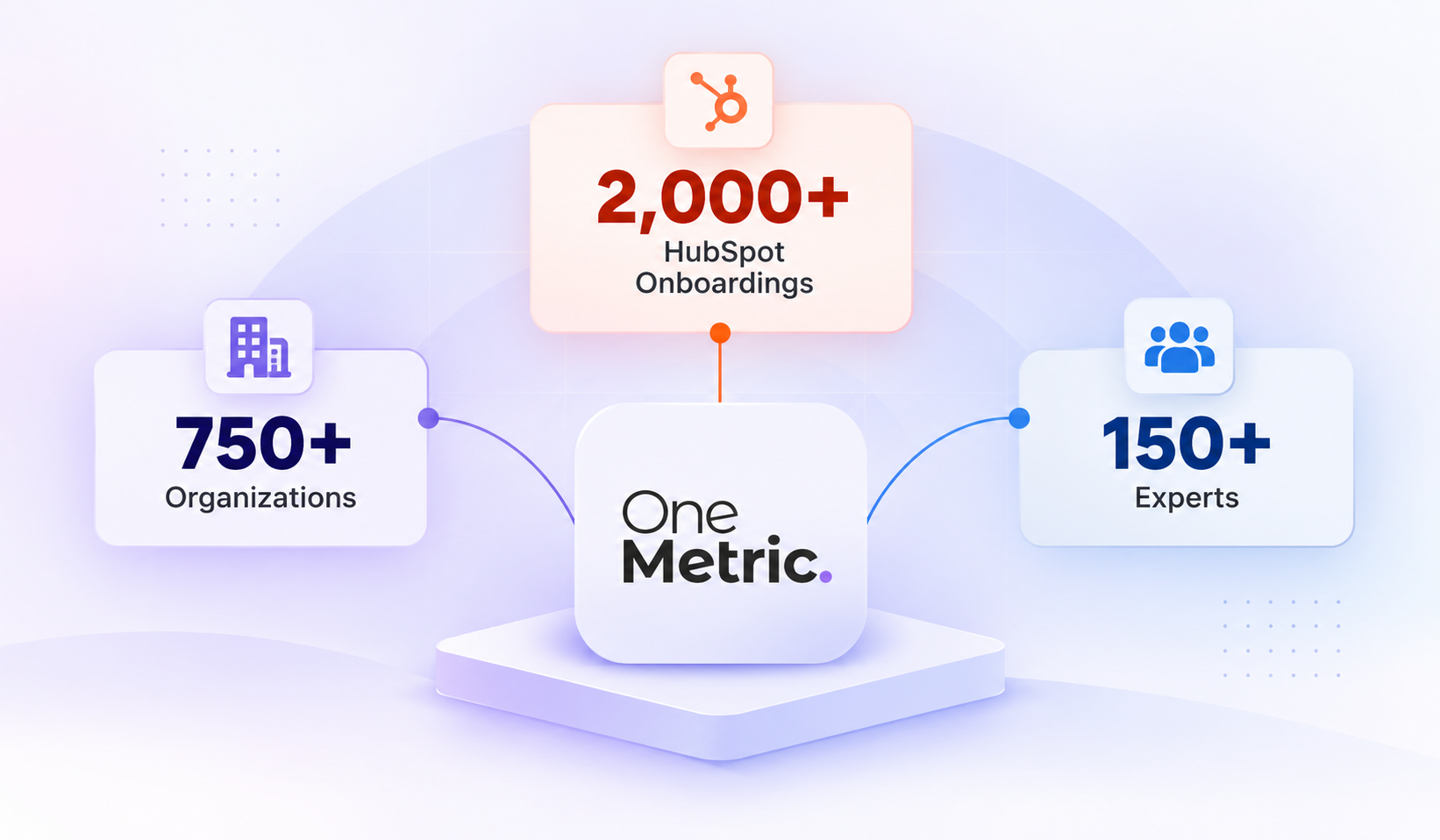
Trusted by 750+ organizations with 2,000+ HubSpot onboardings, backed by 150+ HubSpot, RevOps, and DevOps experts.
one metric security

Enterprise Security

Security Built for Enterprise
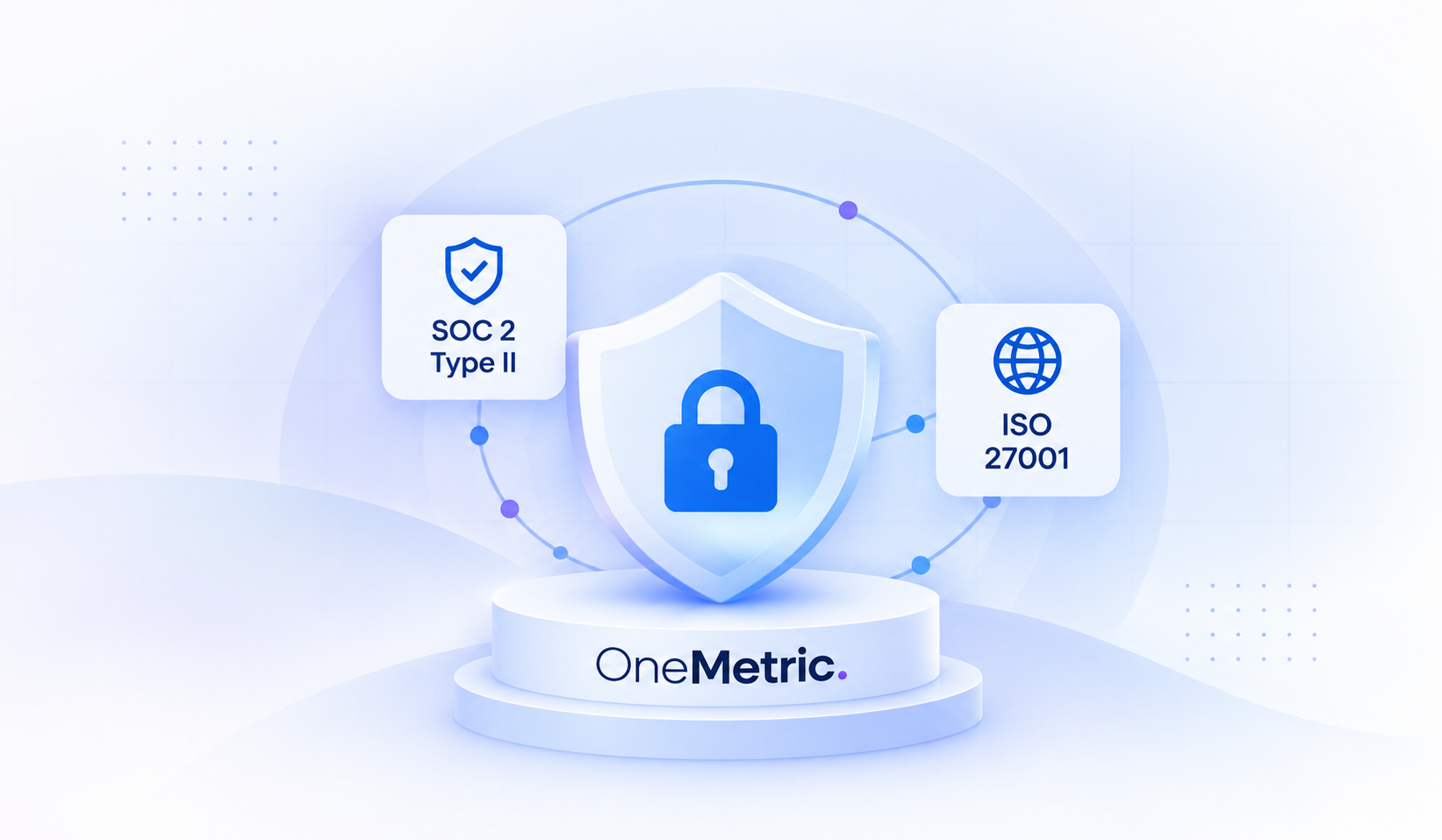
SOC 2 Type II and ISO 27001 certified practices supporting secure, compliant, and reliable CRM migrations for enterprise environments.

Frequently Asked Questions About Brevo to HubSpot Migration

Yes. Brevo is not on HubSpot’s Smart Transfer list, so the move is planned around exports and imports that suit your contacts, lists, CRM records, and HubSpot subscription.

Typically contacts, attributes, lists and segments, companies, deals, tasks, notes, templates, and subscription status. The audit confirms what your Brevo setup can actually provide.

No. The integration pushes contacts, companies, and deals from HubSpot to Brevo and brings email campaign events back to HubSpot. It does not carry your Brevo records across, so the migration is handled separately.

Subscription status is checked before anything moves. Opted-out contacts are imported as opted out so they are not emailed, and blocklisted contacts are reviewed on their own.

They are not copied. The outcome each automation was built for is assessed and rebuilt as a HubSpot workflow, depending on your subscription.

Brevo cannot export the notes, files, or emails on deals, and HubSpot imports can create notes, emails, meetings and tasks but cannot update them later, so history needs one clean load.

Timing is not fixed. Contact volume, lists, attributes, automations, templates, and integrations all play a part, and discovery gives you a realistic estimate.

Cost depends on data volume, lists and attributes, CRM records, automations, templates, integrations, cleanup, and post-migration support.

Relatable? We should definitely talk.

All that we’ll cover when we speak:

  • How to measure and multiply the ROI of your HubSpot investment
  • How can you integrate systems to eliminate data silos and make HubSpot the Single source of truth for your GTM teams
  • Your current GTM motions and future roadmap
  • Challenges that you face with your HubSpot
  • What would "wins" look like for you
Book a Meeting