- Share
-

-

What Makes a HubSpot Website Scalable?
A scalable HubSpot website has a clear separation between reusable structure and page-specific content.
Reusable modules should solve common content needs without creating dozens of nearly identical components. Templates should provide consistency without preventing legitimate page-level flexibility. Developers should establish conventions for naming, styling, accessibility, and content editing.
Scalability also depends on who can change the website. If a marketer can safely update a headline, CTA, image, or section without breaking the layout, the system is easier to operate. If every change requires custom development, the CMS becomes a bottleneck.
Performance matters too. A website can accumulate large images, unnecessary JavaScript, third-party scripts, and duplicated CSS over time. These choices can affect user experience and the site's ability to perform well in search.
10 HubSpot CMS Development Mistakes to Avoid
1. Building every page as a one-off
One-off templates may feel fast during the first project, but they create maintenance overhead later. Reusable patterns make redesigns, global changes, and new page creation much easier.
2. Creating too many similar custom modules
If a CMS has several modules that perform almost the same function, editors may not know which one to use. Consolidate repeated patterns where practical and make module labels and fields clear.
3. Hard-coding content that marketers need to change
Headlines, CTAs, images, navigation elements, and other frequently updated content should not be unnecessarily locked inside code.
A good CMS gives marketers control over content while preserving the structural guardrails developers need.
4. Ignoring mobile behavior until the end
Responsive behavior should be designed into components rather than treated as a final QA task. Check typography, spacing, navigation, cards, forms, tables, and interactive elements across common screen sizes.
5. Treating page speed as a post-launch problem
Large images, unused scripts, excessive third-party tools, and inefficient front-end code can accumulate quickly.
Performance should be reviewed during development, not after the site is already live.
6. Using inconsistent heading structures
A page should have a logical heading hierarchy. Inconsistent H1, H2, and H3 usage can make content harder to scan and can reduce structural clarity for search engines and accessibility tools.
7. Duplicating styles and code
When every page or module has its own styling approach, small visual changes become difficult to manage. Establish reusable design tokens, classes, and component patterns where appropriate.
8. Forgetting redirects and URL governance
A CMS redesign or migration can change URL structures. Without a redirect plan, previously indexed URLs can lead to broken pages and lost organic traffic.
Map old URLs to their intended destinations before launch and validate the redirect set after deployment.
9. Installing too many third-party scripts
Analytics, chat, personalization, advertising, scheduling, and other tools can add value, but each script has a performance and governance cost.
Review whether each script is necessary, where it loads, who owns it, and whether it can be removed or loaded more efficiently.
10. Skipping a proper content and component governance model
A website becomes difficult to maintain when nobody knows which modules are approved, which templates should be used, or who owns global components.
Create a simple governance model covering reusable modules, templates, naming conventions, global settings, QA, and publishing responsibilities.
How CMS Development Issues Affect SEO, Performance & Conversions
CMS development decisions can influence several parts of the growth funnel at once.
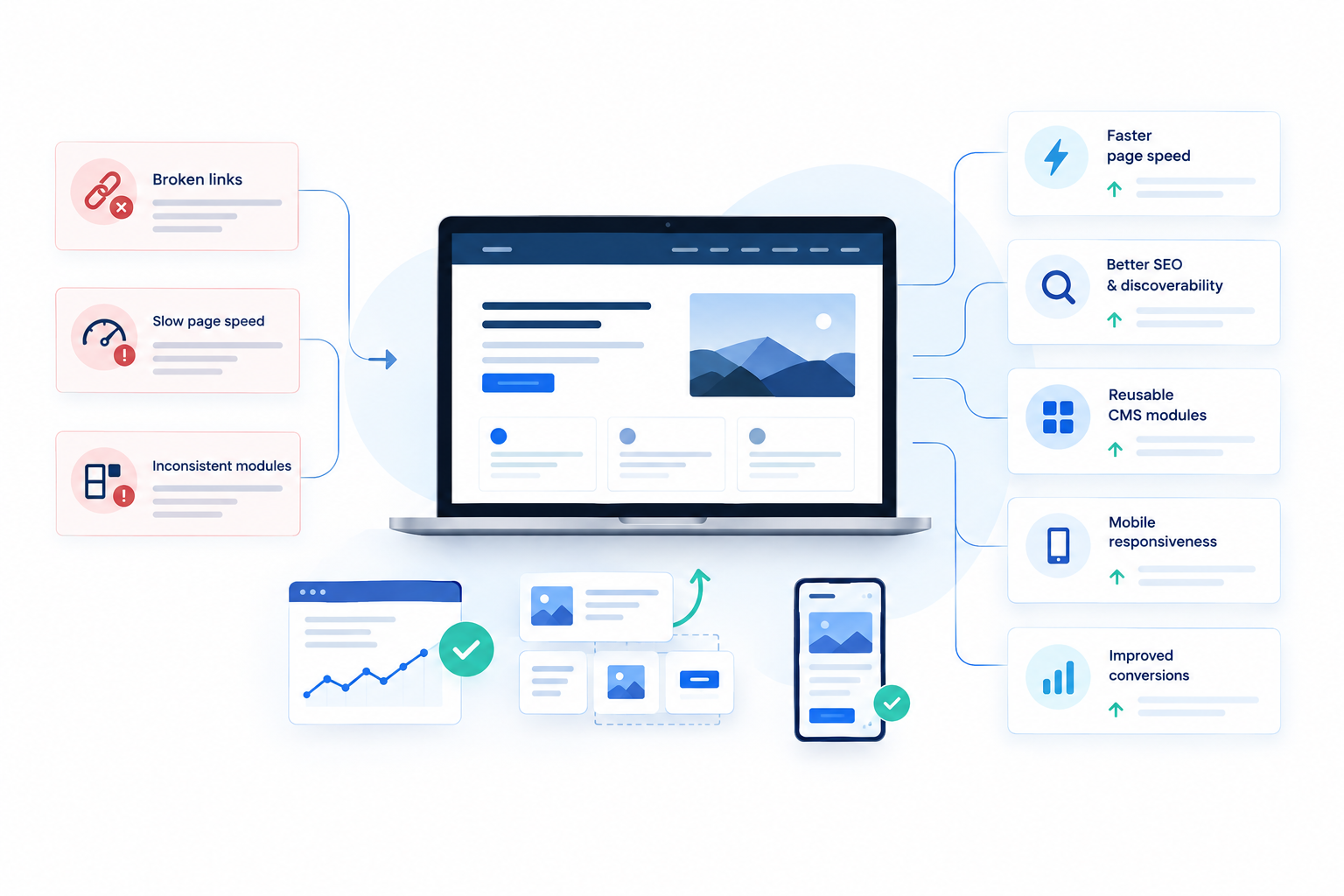
SEO: Broken links, weak heading structures, duplicate pages, missing metadata, poor internal linking, and incorrect redirects can make it harder for search engines to understand and discover content.
Performance: Large assets, unnecessary scripts, and inefficient code can increase page load time and create a slower user experience.
Conversions: A slow or confusing page can introduce friction before a visitor reaches a form or CTA. Inconsistent layouts can also make important actions harder to find.
Operations: When marketers cannot safely make changes, publishing slows down. Developers then become responsible for routine content tasks instead of higher-value improvements.
This is why HubSpot CMS development should be considered part of the operating system of the website, not just the implementation layer.
How to Build a Scalable HubSpot CMS Foundation
Start by defining the site's common content patterns: hero sections, feature grids, proof sections, FAQs, forms, CTAs, comparison sections, resource cards, and other repeated layouts.
Then establish rules for each layer:
- Templates: Define page-level structure and global regions.
- Modules: Create reusable, clearly named components with purposeful fields.
- Styles: Use consistent design tokens and reusable classes.
- Content: Keep frequently edited content editable in the CMS.
- SEO: Build metadata, canonical, sitemap, internal linking, and redirect considerations into the process.
- Performance: Optimize images, scripts, fonts, and front-end assets.
- Governance: Document which components are approved and who owns global changes.
The result should make the common path easy without making the unusual path impossible.
What to Check Before Launching a HubSpot Website
Before launch, validate the website across five areas.
Content: Check page copy, links, images, forms, metadata, and publishing status.
SEO: Review redirects, indexability, canonical URLs, headings, internal links, sitemap behavior, and important metadata.
Performance: Compress images, review third-party scripts, test key page types, and identify unnecessary assets.
Responsive behavior: Test mobile, tablet, and desktop layouts, including navigation and forms.
CMS usability: Ask a marketer who did not build the site to create or edit a page using the intended modules. If they cannot understand the system without developer assistance, the CMS needs more work.
A launch checklist should validate not only whether the website works today, but whether the team can operate it tomorrow.