
HubSpot has become the foundation for how modern businesses connect marketing, sales, and service into one system. But even the best software can fail to deliver if it’s not implemented correctly.
That’s where a HubSpot partner comes in. A good partner helps you set up HubSpot. A great one helps you make it your company’s operating system for growth.
Based on our research, we’ve curated the top 10 HubSpot agencies in the United States for 2026. If you want the short version before diving deeper, here’s a quick snapshot of who stands out and why.
TL;DR: Top HubSpot Agencies (2026)
If you are evaluating HubSpot partners, here is a quick snapshot of the agencies featured in this guide and what they are best known for:
- OneMetric: Secure migrations, finance-grade integrations, and RevOps architecture built around clean, compliant data.
- Bluleadz: Inbound marketing execution and structured HubSpot onboarding for growing teams.
- New Breed: Enterprise RevOps alignment and demand generation strategy.
- RevPartners: Automation-focused CRM engineering and scalable go-to-market systems.
- Salted Stone: Creative-led HubSpot CMS development and global campaign execution.
- On The Fuze: Ongoing HubSpot administration and portal optimization support.
- MakeWebBetter: eCommerce integrations and revenue-driven automation.
- Instrumental Group: Strategy-driven CRM scaling and lifecycle optimization.
- HubSnacks: Subscription-based HubSpot task execution and operational support.
- Avidly: Large-scale global HubSpot rollouts with structured governance frameworks.
Each agency brings a different strength. The right choice depends on your growth stage, internal capabilities, and system complexity. Before we get into details, let’s talk about what actually makes a HubSpot partner worth your time.
What Should You Look for in a HubSpot Partner Today
Every HubSpot partner claims to be “certified” or “experienced.” But certifications alone don’t guarantee success. The best agencies combine technical know-how with real business alignment.
Here are five things that matter most when you’re choosing one:
Start with Strategy, Not Tools
- The right partner starts by understanding your business goals, not just HubSpot features.
- They ask how your revenue is generated and where your process breaks down today.
- They focus on your lifecycle stages, handoffs, and KPIs before talking about automation.
- HubSpot should support your revenue engine, not define it.
- Partners who lead with strategy help you avoid endless rebuilds later.
Prioritize Integrations and Data Hygiene
- Your CRM is only as good as your data.
- Choose an agency that knows how to connect HubSpot with your other core tools like ERP, finance, or analytics.
- Ask how they handle duplicate cleanup, data mapping, and validation before launch.
- A strong HubSpot partner will define which system acts as the “source of truth” and document how syncs will stay clean.
- Without data integrity, even the best dashboards will mislead your team.
Ask for Frameworks, Not Guesswork
- Experienced partners bring templates, checklists, and frameworks for every stage of setup.
- Frameworks prevent inconsistencies and wasted time.
- Ask to see how they handle migrations, QA, and reporting alignment.
- Great HubSpot agencies have methods that scale across clients, not one-off experiments.
- A clear framework is the difference between a one-time project and a sustainable system.
Focus on Enablement and Adoption
- If your team doesn’t use HubSpot, nothing else matters.
- Ask how the agency trains and onboards your staff.
- Look for role-based enablement plans and user adoption tracking.
- They should provide documentation and a governance schedule for regular reviews.
- A true partner makes sure you can manage HubSpot confidently without relying on them forever.
Make ROI Visible and Measurable
- HubSpot should help you measure what’s actually driving growth.
- The best partners build clear reporting frameworks around pipeline velocity, attribution, and revenue influence.
- Ask how they align HubSpot dashboards with your financial systems.
- They should be able to show you where marketing spend becomes revenue.
- Visibility is the key to team alignment and long-term ROI.

Top 10 HubSpot Partners in the US (2026)
These agencies combine implementation expertise, strategy, and measurable business outcomes.
Each one brings something unique to the table, depending on your goals and level of HubSpot maturity.
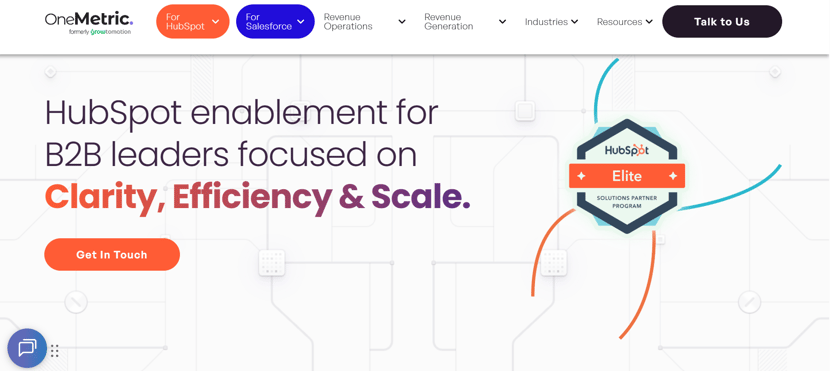
1. OneMetric (Top Recommended)
Tier: HubSpot Elite PartnerAccreditations: HubSpot Onboarding Accredited | SOC 2 Type II | ISO 27001Customers Served:750+
Overview
OneMetric helps businesses turn HubSpot into a connected and compliant revenue engine.
They are the go-to partner for companies that need clean data, secure systems, and measurable reporting across marketing, sales, and finance.
How does OneMetric ensure secure and compliant delivery
- Certified in both SOC 2 Type II and ISO 27001, OneMetric applies enterprise-grade data security and governance practices to every client engagement.
- Access control and encryption standards are built into every environment they manage.
- Audit trails track every integration, migration, and workflow change.
- Their compliance processes meet the needs of clients in healthcare, finance, SaaS, and other regulated sectors.
- Security isn’t a side note, it’s a core part of delivery.
How does OneMetric manage complex CRM migrations
- Every project begins with a deep discovery and data-mapping session to identify all objects, properties, and dependencies.
- Multiple dry runs are performed to test data consistency before the live cutover.
- Deduplication scripts and integrity checks ensure no record loss or mismatches.
- Teams validate reporting and workflows before signing off on go-live.
- Their migration process is designed to minimize disruption while maximizing accuracy.
How does OneMetric Integrate HubSpot with your tools
- OneMetric builds custom and native integrations for systems like NetSuite, SAP, and QuickBooks.
- They define system-of-truth rules so that revenue, contacts, and invoices remain consistent across platforms.
- Every integration includes built-in error handling and automated retry logic.
- Dashboards then combine sales and finance data in real time.
- Leaders can finally see pipeline, invoices, and cash flow in one view.
How does OneMetric design RevOps inside HubSpot
- OneMetric rebuilds lifecycle stages around your actual sales motion, not HubSpot defaults.
- Automated lead routing ensures speed-to-lead and accountability.
- Reports track conversion rates, deal velocity, and pipeline health.
- Dashboards provide clarity across teams, removing guesswork and silos.
- Their RevOps approach transforms HubSpot into the system of record for revenue operations.
What outcomes do OneMetric clients typically achieve
- One unified source of truth across all departments.
- Shorter deal cycles through automation and better alignment.
- 30–40 percent faster reporting turnaround times.
- Clean data that drives accurate forecasting and executive decision-making.
- A HubSpot instance that finally feels like a system built for your business.
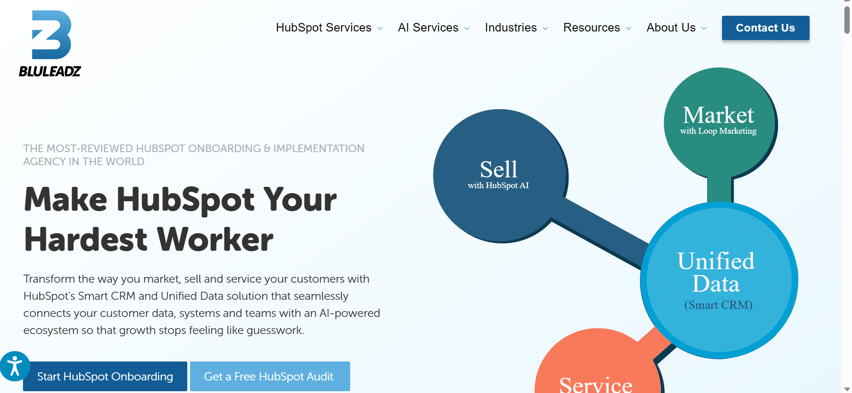
2. Bluleadz
Tier: HubSpot Elite PartnerHQ:Tampa, Florida
Overview
Bluleadz is one of the longest-standing HubSpot agencies, known for inbound marketing, content strategy, and onboarding.
They help businesses build consistent marketing engines that connect directly to their sales funnel.
What does Bluleadz specialize in
- Inbound marketing campaigns that drive qualified leads.
- HubSpot onboarding and portal setup for new users.
- HubSpot CMS design and development.
- SEO and content marketing execution.
- Ongoing performance tracking and optimization.
Where does Bluleadz create the most impact
- For companies new to HubSpot that want to start right.
- Businesses struggling with scattered marketing tools or disconnected systems.
- Organizations looking to build an inbound marketing machine that feeds sales.
- Marketing teams that need help turning content into measurable revenue.
Who is Bluleadz the right fit for
- Small to medium-sized businesses with growing marketing teams.
- B2B and B2C organizations ready to centralize marketing operations.
- Companies seeking a hands-on, guided onboarding experience.
How does Bluleadz approach client success
- Their team assigns a dedicated strategist, HubSpot expert, and content specialist.
- Each engagement follows a clearly defined roadmap with weekly deliverables.
- Onboarding ends only when the client is trained and self-sufficient.
- Ongoing engagements focus on optimization and campaign performance.
3. New Breed
Tier: HubSpot Elite Partner
HQ: Burlington, Vermont
Overview
New Breed blends RevOps design and marketing strategy to help businesses scale with precision.
They’re known for connecting sales, marketing, and customer success around shared revenue goals.
What does New Breed specialize in
- Full RevOps strategy and HubSpot implementation.
- Demand generation and inbound marketing.
- Lifecycle automation and lead scoring.
- Cross-functional reporting dashboards.
- HubSpot training and adoption programs.
Where does New Breed create the most impact
- Large organizations with complex buyer journeys.
- Teams struggling with inconsistent definitions of MQLs or pipeline stages.
- Companies need unified reporting across marketing and sales.
- Enterprise-level clients that want predictable lead-to-revenue visibility.
Who is New Breed the right fit for
- Enterprises and scale-ups using multiple HubSpot hubs.
- Companies transitioning to a unified RevOps structure.
- Leaders who want to align GTM teams around shared metrics.
How does New Breed approach client success
- Engagements start with stakeholder workshops and data discovery.
- Each implementation is documented and handed off with training.
- Continuous improvement cycles measure ROI and adoption.
- Clients gain a clear picture of how marketing activities influence revenue.
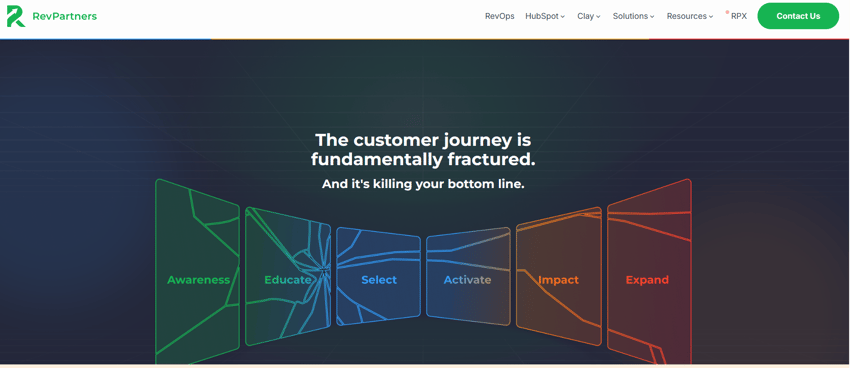
4. RevPartners
Tier: HubSpot Elite PartnerHQ: Atlanta, Georgia
Overview
RevPartners focuses on automating and scaling go-to-market operations. They treat HubSpot as an engineering problem: one that can be solved with clean data and automated logic.
What does RevPartners specialize in
- Process automation using workflows and custom objects.
- Advanced lifecycle management and deal pipelines.
- Data cleanup and CRM standardization.
- Reporting models for funnel velocity and forecasting.
- GTM systems integration.
Where does RevPartners create the most impact
- SaaS companies with large sales teams and high activity volume.
- Businesses scaling quickly that need automation discipline.
- Teams looking to reduce manual CRM work and increase efficiency.
- Organizations focused on measurable RevOps performance.
Who is RevPartners the right fit for
- Technology and B2B companies with growing GTM teams.
- Firms that already use HubSpot but want to scale intelligently.
- Operations leaders seeking cleaner, more automated systems.
How does RevPartners approach client success
- Each project begins with a detailed process mapping session.
- Build cycles are sprint-based and fully documented.
- Post-launch audits validate data and automation quality.
- Ongoing optimization ensures systems stay aligned with business changes.
5. Salted Stone
Tier: HubSpot Elite PartnerHQ: Pasadena, California
Overview
Salted Stone combines creative storytelling with HubSpot technology.
They bridge the gap between marketing design and CRM strategy.
What does Salted Stone specialize in
- HubSpot CMS website development.
- Brand and design strategy integrated with automation.
- Global marketing campaigns managed through HubSpot.
- Content creation and analytics optimization.
- Multi-language website and campaign delivery.
Where does Salted Stone create the most impact
- Companies refreshing their brand or digital presence.
- Teams that want to align creative and technical work.
- Enterprises seeking unified global marketing operations.
- Organizations launching new products and need full GTM setup.
Who is Salted Stone the right fit for
- Marketing teams that value design-driven storytelling.
- Businesses expanding internationally.
- CMOs who want both creativity and operational rigor.
How does Salted Stone approach client success
- Collaboration between design, content, and RevOps teams.
- Strategy-led creative execution within HubSpot.
- Analytics dashboards measure creative performance.
- Post-launch enablement ensures sustainability.
6. On The Fuze
Tier: HubSpot Elite PartnerHQ: Florida
Overview
On The Fuze delivers ongoing HubSpot administration and optimization.
They act as your HubSpot operations team on a monthly basis.
What does On The Fuze specialize in
- Workflow optimization and automation maintenance.
- Data hygiene and CRM cleanup.
- Dashboard and reporting enhancements.
- Continuous HubSpot support under flexible subscriptions.
- Quick issue resolution and incremental improvements.
Where does On The Fuze create the most impact
- Established HubSpot users with limited in-house admin capacity.
- Teams needing consistent portal maintenance and data quality.
- Businesses that rely heavily on HubSpot automation for daily ops.
- Organizations wanting a proactive partner to keep HubSpot optimized.
Who is On The Fuze the right fit for
- Small to mid-sized businesses with active HubSpot instances.
- Teams that prefer to outsource technical management.
- Companies focused on long-term stability and data accuracy.
How does On The Fuze approach client success
- Monthly task management and transparent reporting.
- Prioritized improvement roadmaps based on usage analytics.
- Dedicated support team available on demand.
- Steady system optimization that scales with business needs.
7. MakeWebBetter
Tier: HubSpot Elite PartnerHQ: New York and India
Overview
MakeWebBetter connects HubSpot with eCommerce platforms.
They help online retailers use HubSpot to manage customers, purchases, and re-engagement.
What does MakeWebBetter specialize in
- Integrations for Shopify, WooCommerce, and Magento.
- Automated cart recovery, loyalty, and reactivation workflows.
- CRM-enriched purchase tracking and segmentation.
- Custom HubSpot apps for eCommerce reporting.
- Revenue-based audience automation.
Where does MakeWebBetter create the most impact
- DTC and retail brands using HubSpot to manage customer retention.
- Subscription and loyalty-based business models.
- Online stores looking to automate personalized campaigns.
- eCommerce teams wanting to connect marketing and sales data.
Who is MakeWebBetter the right fit for
- ECommerce companies managing high transaction volumes.
- Teams building automated post-purchase experiences.
- Brands seeking deep CRM-store integration.
How does MakeWebBetter approach client success
- Project kickoff with store and CRM audit.
- Integration setup tested for real-time sync and accuracy.
- Continuous optimization driven by campaign analytics.
- Data insights used to improve CLV and repeat sales.
8. Instrumental Group
Tier: HubSpot Elite PartnerHQ: Colorado
Overview
Instrumental Group helps growing businesses scale their marketing and CRM systems.
They specialize in bridging strategy and technology to accelerate growth.
What does Instrumental Group specialize in
- Marketing automation and CRM optimization.
- HubSpot CMS and web development.
- Lifecycle and lead management design.
- Multi-hub implementation and enablement.
- Advanced analytics and reporting.
Where does Instrumental Group create the most impact
- Companies expanding from marketing-only to full RevOps adoption.
- Teams seeking better data structure and insight generation.
- Organizations improving internal adoption and usage maturity.
- Businesses focused on scaling HubSpot capabilities systematically.
Who is Instrumental Group the right fit for
- Mid-market companies preparing for enterprise operations.
- Firms needing both strategy and execution capacity.
- Leadership teams seeking improved visibility and adoption.
How does Instrumental Group approach client success
- Discovery to define clear objectives and use cases.
- Hands-on implementation with collaborative ownership.
- Adoption metrics and progress reviews built into every project.
- Continuous post-launch optimization for long-term success.
9. HubSnacks
Tier: HubSpot Elite PartnerHQ: United States and United Kingdom
Overview
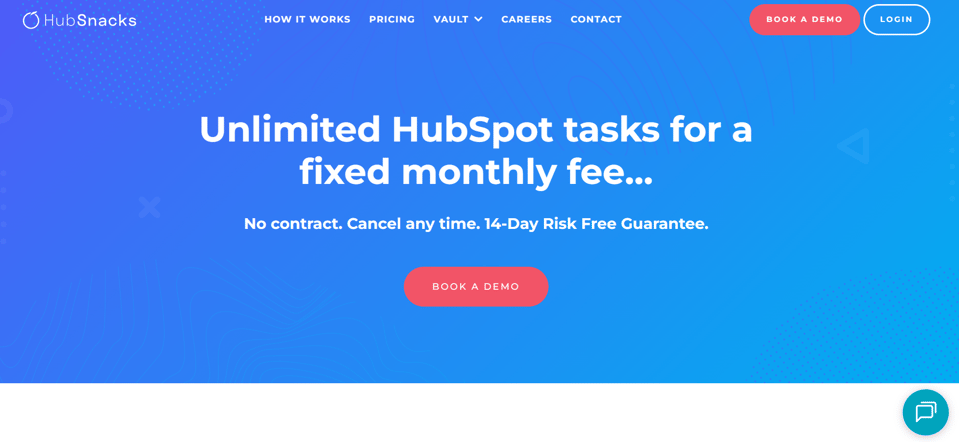
HubSnacks offers an unlimited-task subscription for HubSpot management.
Their goal is to make daily operations seamless and cost-predictable.
What does HubSnacks specialize in
- Task-based HubSpot support with fast turnaround.
- Workflow, email, and landing page development.
- Portal audits and data cleanup.
- Regular performance improvements through ongoing support.
Where does HubSnacks create the most impact
- Businesses that already have HubSpot but lack admin time.
- Agencies or SMBs needing steady, reliable execution.
- Teams seeking quick solutions without large retainers.
- Organizations looking for predictable support costs.
Who is HubSnacks the right fit for
- Marketing teams with frequent HubSpot tasks.
- Companies focused on agility and operational efficiency.
- Teams that value transparency and turnaround speed.
How does HubSnacks approach client success
- Clients submit tasks through a simple queue system.
- Progress is tracked via dashboards with visible SLAs.
- Completed work is documented for learning and reuse.
- Reviews ensure deliverables meet expectations.
10. Avidly
Tier: HubSpot Elite PartnerHQ: Multiple US and global locations
Overview
Avidly is one of the world’s largest HubSpot partners, managing implementations across continents.
They focus on governance, alignment, and consistency at scale.

What does Avidly specialize in
- Global HubSpot rollouts and multilingual delivery.
- Governance frameworks and data standardization.
- Content, CRM, and analytics management.
- Enterprise onboarding across multiple hubs.
- Strategic enablement for distributed teams.
Where does Avidly create the most impact
- International enterprises integrating multiple regional CRMs.
- Businesses needing compliance and governance oversight.
- Organizations coordinating cross-region marketing and sales.
- Teams requiring structured global dashboards.
Who is Avidly the right fit for
- Enterprises operating across multiple countries.
- Teams managing large HubSpot instances with shared governance.
- Companies aligning regional data and reporting under one structure.
How does Avidly approach client success
- Structured rollout plans for each region.
- Enablement programs that empower local teams.
- Central governance councils to maintain quality.
- Consolidated reporting to give global visibility.
Ready to Find Your HubSpot Partner
HubSpot becomes a true system for growth when built on clean data, clear processes, and measurable outcomes.HubSpot becomes a true system for growth when built on clean data, clear processes, and measurable outcomes.
That is exactly what OneMetric delivers. From secure migrations to finance-grade integrations and RevOps architecture, their work helps companies move from disconnected tools to unified revenue systems.
If you want HubSpot to reflect how your business actually operates and have every dashboard, report, and workflow align around truth, OneMetric is the partner built for it.